
Brief
I have been Tasked with making a 360 Video for YouTube using Maya, also making a Digital Portfolio using WebVR called FrameVR. This week was about Experimentation with different types of methods and see which one we will take forward as the Final Project.
What is 360 Video?
360 Video is content that has been recorded/rendered at all angles. This allows the User to watch from any angle of their choosing. Since the 360 Video’s shot with using a stereoscopic technique, this helps give a sense of depth to the scene.
Advantages
- Immersive Experience – a 360 view of the Scene allows the User to feel that they have become apart of the Virtual world. The User can look in any Direction they wished.
Disadvantages
- Can lack Focus – Since the Video was made from Rendering on a 360 View, the Camera can sometimes lack Focus and make the Scene Blurry or Distorted for the User.
Week 1 – 360 Video (Maya)
I was tasked with Making a 360 3D Video in Maya and Upload to YouTube as a 360 Video Format. With the Help with using Storyboards and Sketches to create an Early concept for a Project and understanding what User Experience is needed to create a smooth, comforting Experience, for any User.
360 Video Examples:
My Maya Project
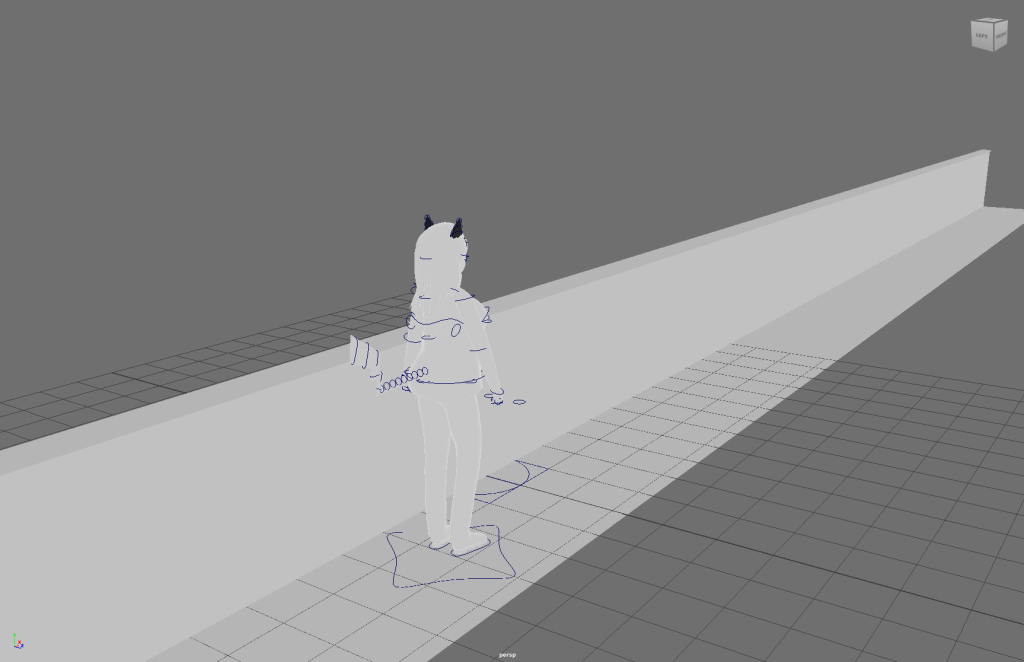
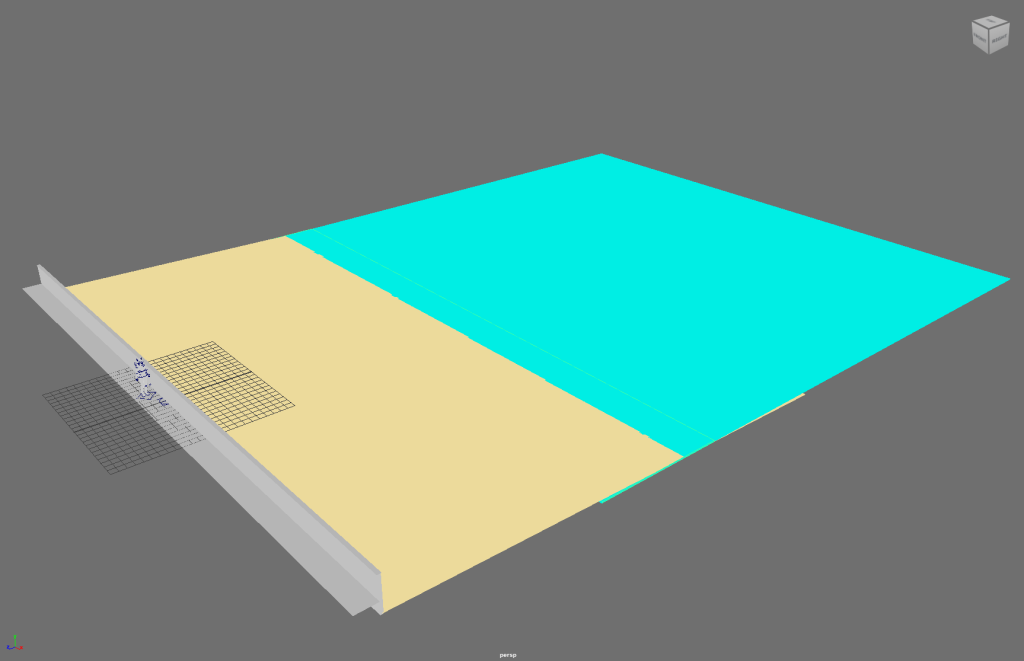
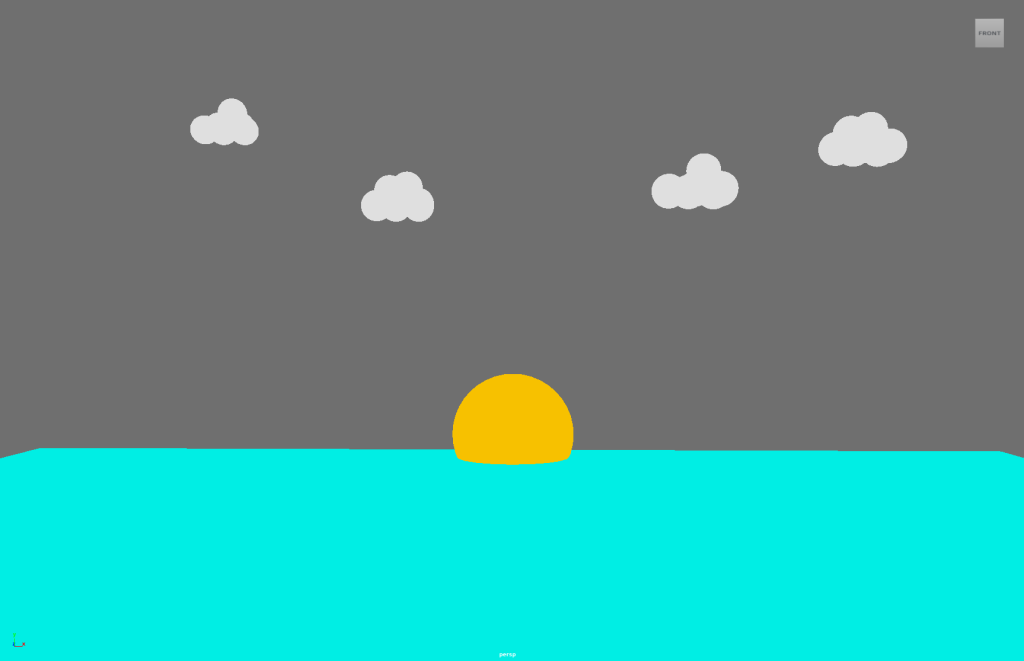
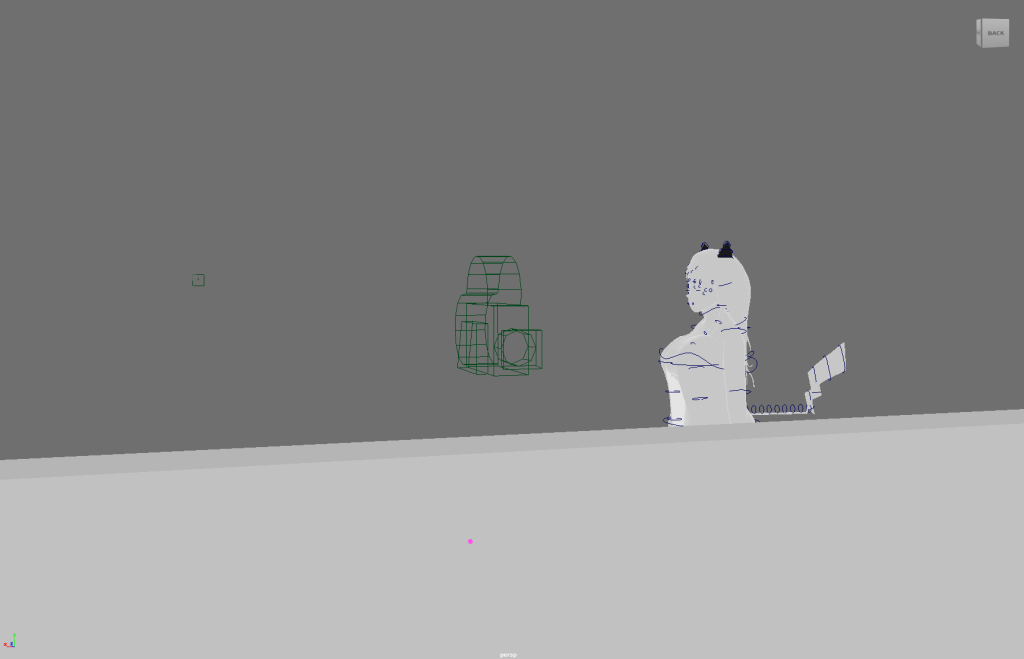
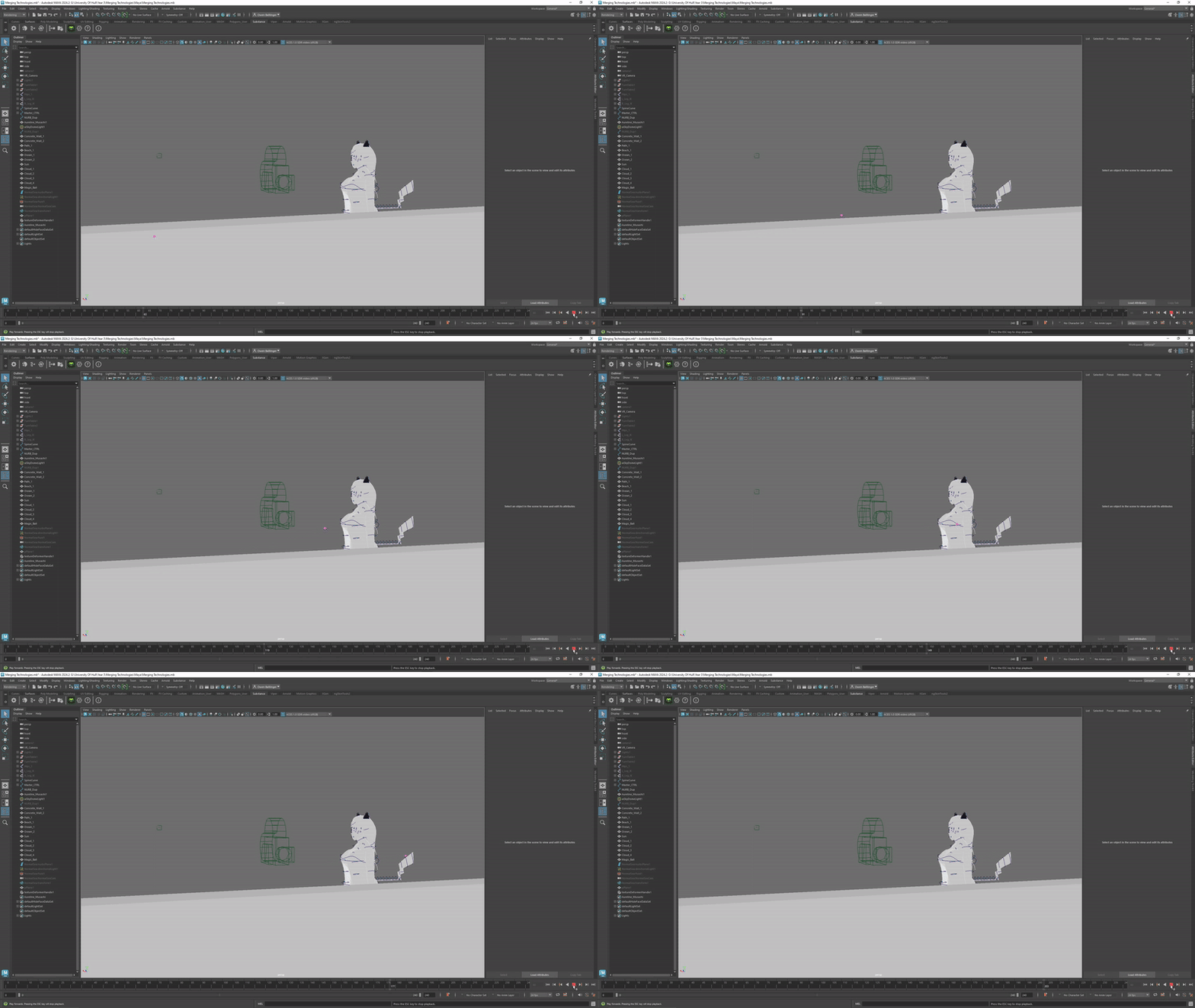
Do I plan to use this Software again for my Final Project?
Since I had used Autodesk Maya over the course of my University Years, It is a high chance I will use it again. I know quite a lot of Tools Maya has to offer and I’ve had plenty of Practice.
Advantages:
- I’ve had Plenty of Practice
- Still open to try new Tools to try
- I know the Basics of Animation and Camera Movement
Disadvantages:
- Never made an Environment in Maya before
- Rendering can be dodgy or crash Maya
What is WebVR?
WebVR is a API Script made from JAVA that allows the Developers to create Virtual Reality Experience inside of a Web Browser.
Advantages:
- Compatibility – All Operating systems can use WebVR from Windows to Mac. All Devices can use WebVR from PC to Mobile.
- Presets – There is a lot of World Presets to choose from, Big, Medium or Small for any Project.
- User Friendly – Straight Forward tutorial on how to get started and how to invite others to you World.
Disadvantages:
- Can be Limiting – If you have a lot of work to show off, WebVR has a set Limit of Assets that can be placed into a World. This can force a person to have multiple Worlds to show off their Assets.
- Quest Limit – Only up to 8 people can visit your World at a time. If you want to show off your project to a wider audience, WebVR is going to prove this to be quite difficult.
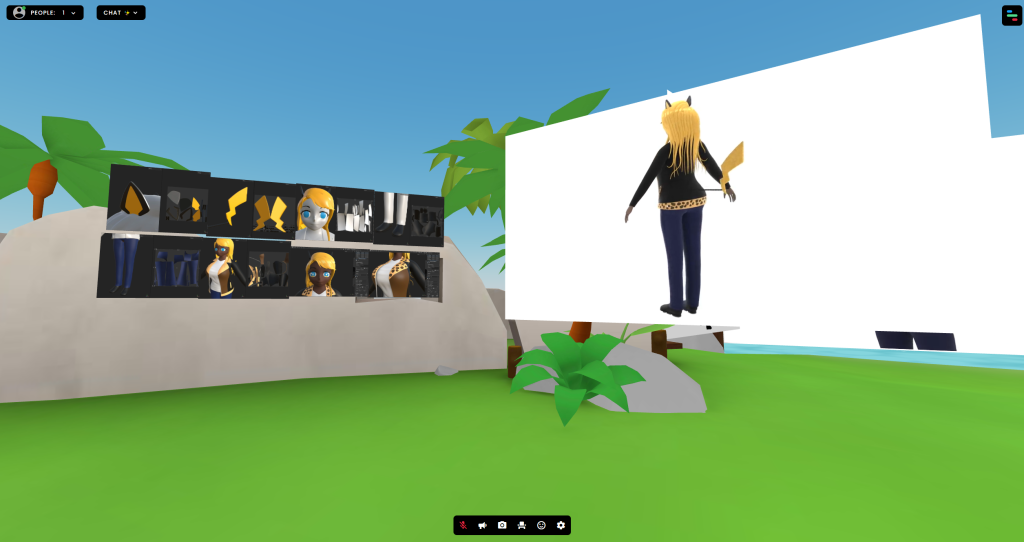
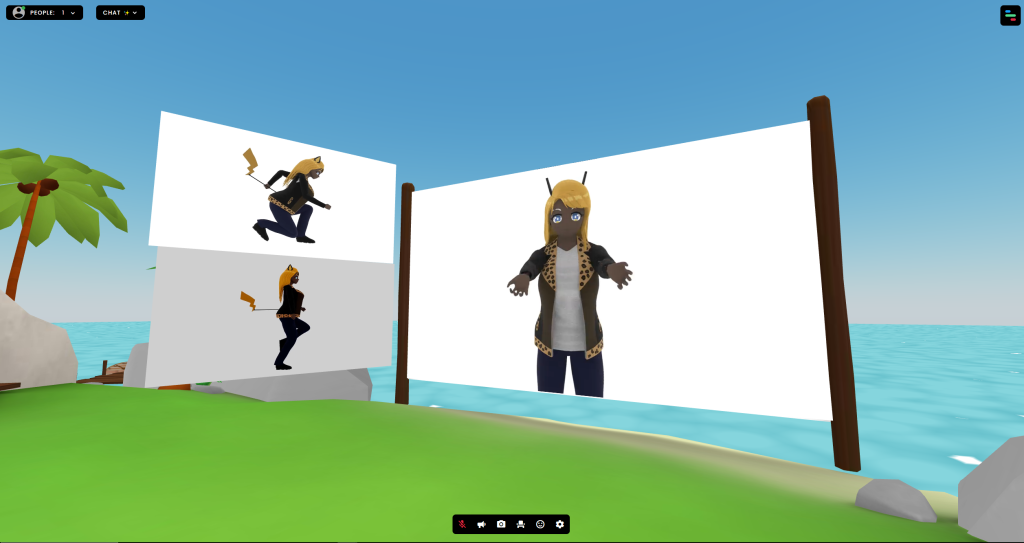
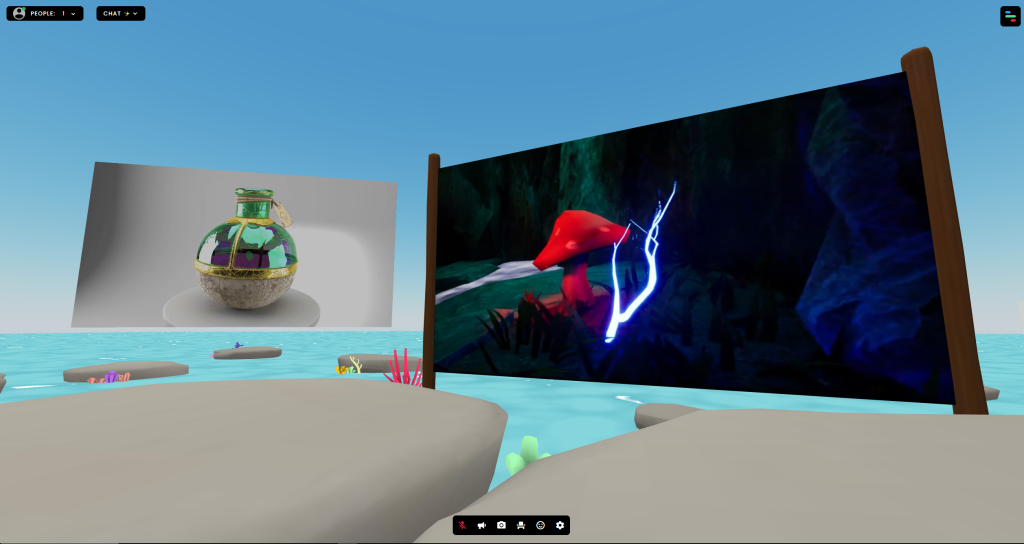
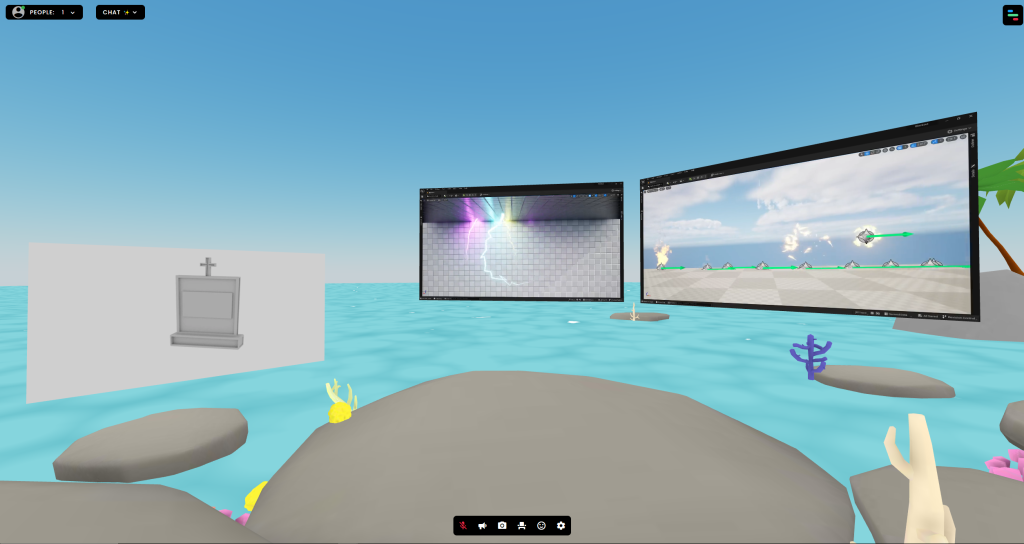
Week 2 – Digital (Portfolio FrameVR)
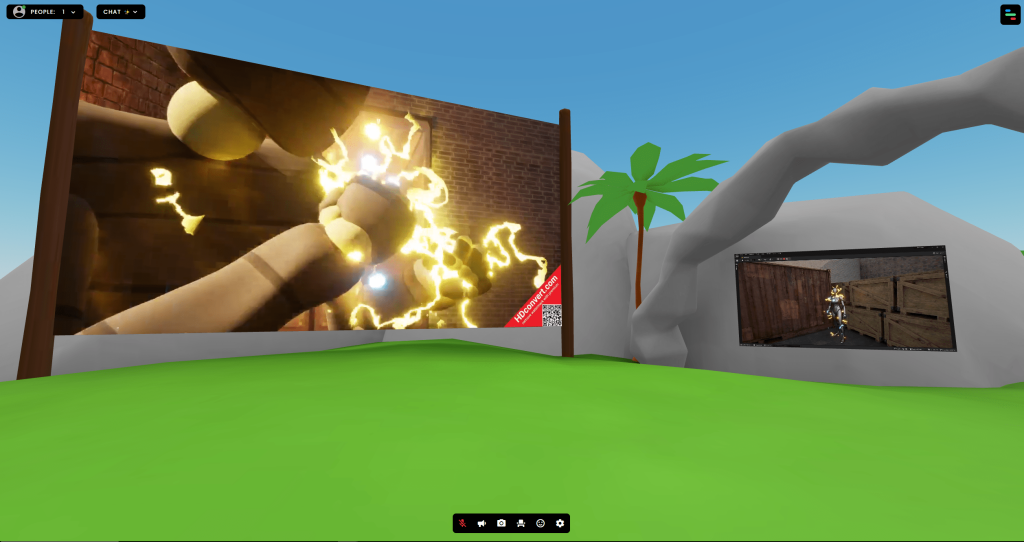
The Task was about Making a Digital Portfolio of all the Work I have created over the Years, whilst I was at University Of Hull. The Digital Portfolio was created by WebVR called FrameVR.
FrameVR Examples:
FrameVR Digital Portfolio: https://framevr.io/ojballingermyassets#
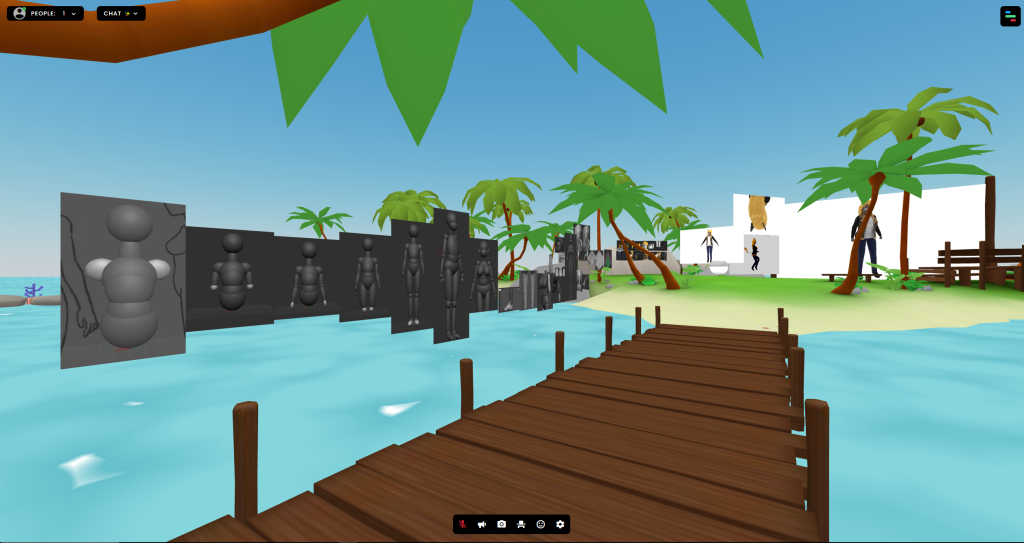
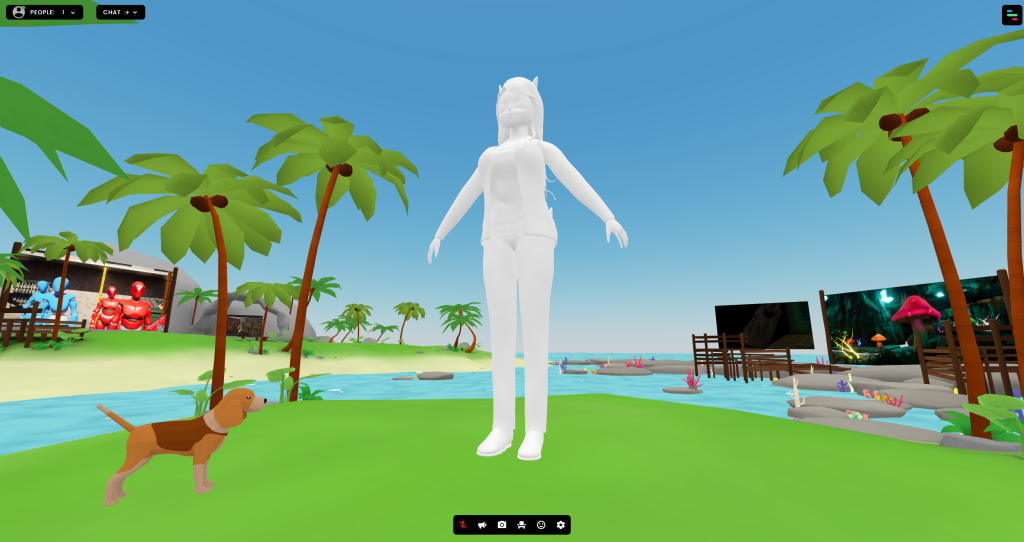
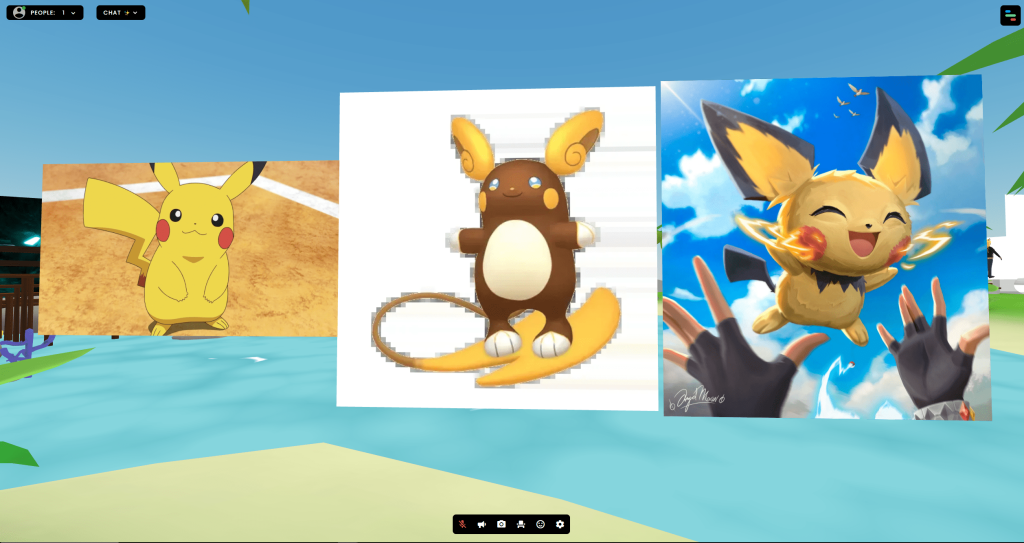
Do I plan to use this Software again for my Final Project?
I do see this as a Great of showing off the Assets I have created at University, but its not the route I want to go with my Final Project. Other then a Digital Portfolio, I can’t think of any other ways to go. But if I did:
Advantages:
- Create for making Digital Portfolios to show off your Work
- Many Preset Maps to choose from, Gallery Theme look nice
- User Friendly, Easy to learn and invite others
Disadvantages:
- Asset Limit, You can only put in 100 Assets. if you want to show a lot of work, this can be challenging
- Cant customize your own world that much, that has always been my nit-pick
Which Software will I consider Using more?
Between Autodesk Maya and FrameVR for the Final Project I have in Mind, I will most likely go with Autodesk Maya. For the Final Project, I want to be able to create my own Environment for this Project Idea.
Concepts/Ideas
For 360 Video in Autodesk Maya, My Idea was to have a Mental Health Awareness as the main Objective. The User will be in the perspective of a Boy who suffers from Mental Health via Anxiety and Depression. One of his friends shows up to help cheer him up and give Him some Closure.
For FrameVR, making a Digital Portfolio of all my stuff I created through my Education Years would be a great Idea. This allows me to show off my work to people but also leave some text for them on How I created my Assets, what Inspired the creation and maybe give them a little bit of my life story.
References
AirPano VR (2023) Trip to Tokyo, Japan. Aerial 360 video in 8K. www.youtube.com. Available online: https://www.youtube.com/watch?v=kyN623RzFe0 [Accessed 28 Sep. 2024].
Discovery (2016) Mega Coaster: Get Ready for the Drop (360 Video). YouTube. Available online: https://www.youtube.com/watch?v=-xNN-bJQ4vI [Accessed 28 Sep. 2024].
Process Arts (Process Arts) (2020) FrameVR new platform for building gallery exhibition 3D virtual space and for Virtual Reality. YouTube. Available online: https://www.youtube.com/watch?v=JxHPQcXf7AQ [Accessed 4 Oct. 2024].
Virbela (2021) INTRODUCING FRAME. YouTube. Available online: https://www.youtube.com/watch?v=4WWsnUEFgOY [Accessed 4 Oct. 2024].