
Assignment Objectives:
- Apply research-driven idea generation to develop a production piece related to emerging technologies.
- Demonstrate effective project management skills in the creation of the production piece and the compilation of a portfolio.
- Showcase software proficiency by incorporating appropriate tools and techniques in the production process.
- Incorporate ethical values and principles in the production piece and portfolio.
- Exhibit forward-thinking by integrating emerging technology trends and concepts into the work.
Objective Requirements:
Production Piece (Video Format): Create a video production piece that demonstrates your creative and technical skills in emerging technologies. Your video should have a minimum duration of 5 minutes and may include:
- Narration: A narrated overview of the production piece, explaining its purpose, key concepts, and the ideas informed by research that inspired its creation.
- Application of Emerging Technologies: Clearly integrate theories, concepts, and techniques covered in the workshop sessions on emerging technologies. Showcase your understanding of these concepts in the execution of your production piece.
- Software Proficiency: Apply your proficiency in specialised software tools related to emerging technologies to enhance the visual and interactive aspects of your production.
- Ethical Considerations: Address ethical values and principles in your production piece. If applicable, explain how your work adheres to ethical guidelines related to emerging technologies.
- Forward-Thinking: Incorporate forward-thinking by exploring future trends and possibilities within the realm of emerging technologies.
- References to Found Objects: If you use found objects as assets in your production, ensure they are appropriately referenced in your portfolio.
Introduction
- Title of the Project: “In Your Shoes: A Mental Health Journey”
- Medium: 360 Video Animation
- Software Used: Autodesk Maya, Viper Render Plugin (Maya), Audacity, Adobe Premiere Pro
- Duration: 3 Minutes and 50 Seconds
- Date of Completion: 20/12/2024
Project Overview
“In Your Shoes: A Mental Health Journey” is a 360 Degrees Immersive Experience that is designed to Simulate the Emotional, Psychological Experience of Mental Health and the Living Challenges.
The Viewer goes into the Shoes of a Boy who is Struggling with Mental Health. Experiencing Hallucinations, Distorted Perception of Reality, and the Overwhelming Negative Thoughts.
Throughout the Experience, The Viewer will be Comforted by the Virtual Friend, Aureline Musashi who offers Reassurance, Emotional Support and Love for the Boy, helping convey the Importance of Connection, Empathy, Love and Understanding the face of Mental Health Struggles.
Why 360 video?
This Project aims to show a Dark, Deep, Empathetic Experience that will allow the Viewer to get an Understanding of what it would feel like to Experience Mental Challenges. By using Emerging technologies like VR and 360 Video, the project will help Immerse Viewers in Hallucinations and the Negative Thought Patterns. Helping Effectively Simulating Mental Health Struggles.
With having the Presence of the Comforting Friend within the Experience, Highlights Importance of Emotional Support and Help Reinforce the Message of bringing Hope and Care. Having the Ethical Principles of Empathy and Awareness are Central for the Project. Its helps provide an Important Conversation Starter on the Mental Health issues within a Accessible, Interactive and Appropriate Matter.
Purpose and Target Audience
Purpose
The Goal of the 360 Video is providing an Immersive and Emotional Experience that Simulates the Psychological and Emotional Challenges of living with Mental Health Issues. While also offering the Message of Hope and Comfort. This aims to nurture Understanding and Empathy for People facing Mental Health and the Struggles.
Target Audience
The Target Audience is for Individuals who may not have an Understanding on Mental Health first-hand, as well for those who Experience it, and Mental Awareness Communities.
Research-Driven Idea Generation
Emerging Technologies and Autodesk Maya
Using the Ideas from my Research proposal and from my own Personal Experience. I have came up with Ideas for my Project, to help convey Mental Health and the Life Challenges it applies to an Individual. I have seen Multiple 360 Videos about Anxiety or Depression. But I haven’t seen one (Or there is very few) that have done a 360 Video Animation about Mental Health.
To Spice it up, I will be using my own Manga Story I have created as a ‘Catalyst’ for the 360 Environment and the Characters present. This will help make this 360 Video Experience more Unique if more 360 Mental Health Videos are Produced in the Future.
Due to my Knowledge of Autodesk Maya, I will be able to use some Tools to my advantage to make a Educational 360 Video Experience for the Viewers. Having knowledge of Maya’s Animation Timeline from my Previous Modules, will mean I will run into Minimal Blockades when Keyframing the Environment and the Model’s Movements.
Concept Development
Using my Manga Story’s Environment and its Characters, I will create a simple but effective experience of Mental Health and its challenges it brings. I will also need to make sure that I get some Feedback about my Ideas and the Experience so I can make a more Structured and Refined 360 Video Experience.
Use of Emerging Technologies
Technological Integration
The Project is about making a 360 Video experience. So, I will need to make sure that I will use Autodesk Maya and make a 360 Video Experience with the Provided Default 360 Camera that I can tweak the settings of to make a better 360 Experience. I need to make sure that I meet the Requirements for the Project, meet the needs of the Viewers and Take in the Feedback from other Students and Lecturers.
What Makes the Project Innovative
This Project will make me understand the importance of Encouraging my own Creativity, Visionary Thinking and standing outside my comfort zone to make something new. I will also learn to be more Flexible with my Project like setting Goals for myself and breaking them down into small but manageable chunks for me to meet.
I will understand Value Creation. Giving my Project Value and leaving the Viewers with Eye-opening Impact on the Viewer and my self. My most important, getting Feedback from others and changing the Project to meet the Requirements of the Feedback, to make as Clean, Forward 360 Video Experience.
Project Management in the Creation of a 360 Video
Pre-Production:
Concept Development
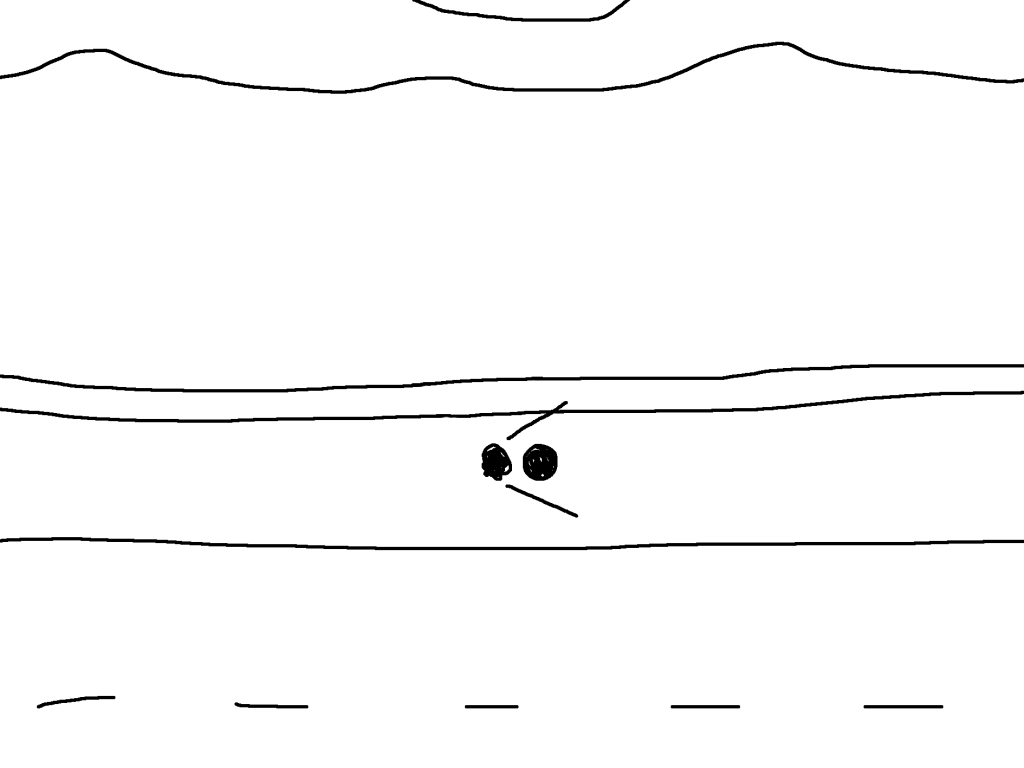
The idea behind the video was to provide a first-person experience of mental health struggles, using immersive 360 video to enhance the impact. The viewer becomes the character, experiencing sensations like heartbeats, distorted vision, and whispers, giving them a visceral understanding of mental health.
Storyboarding/Concept Art:
Using the Storyboard I made for the Project during my Research Proposal.
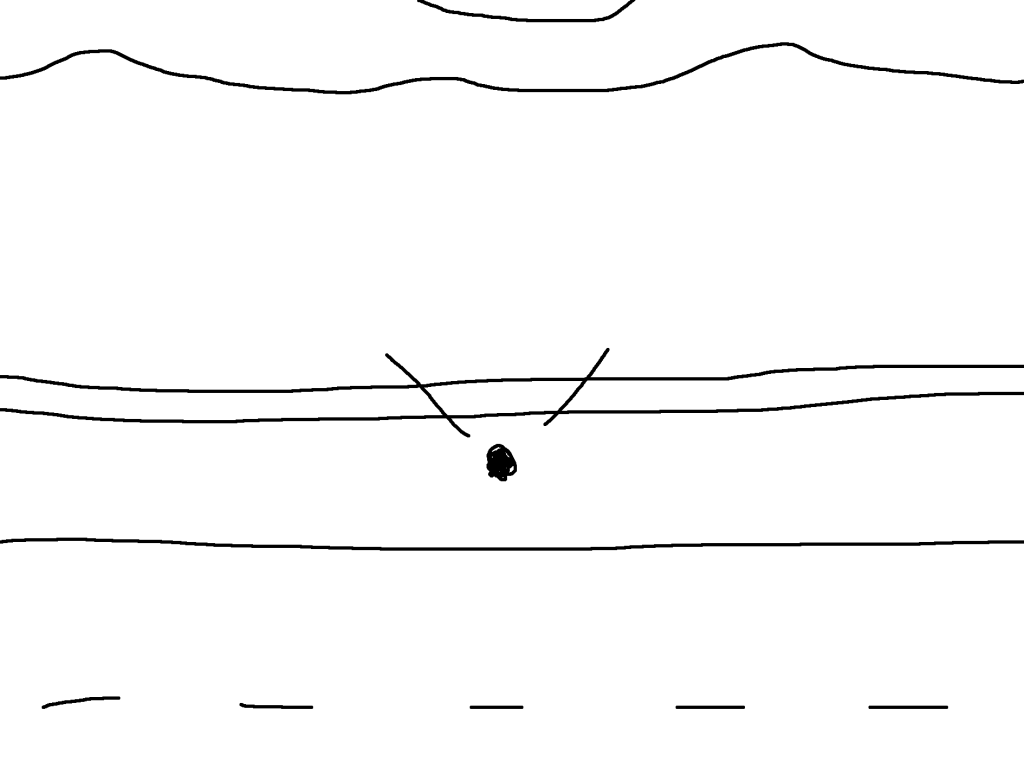
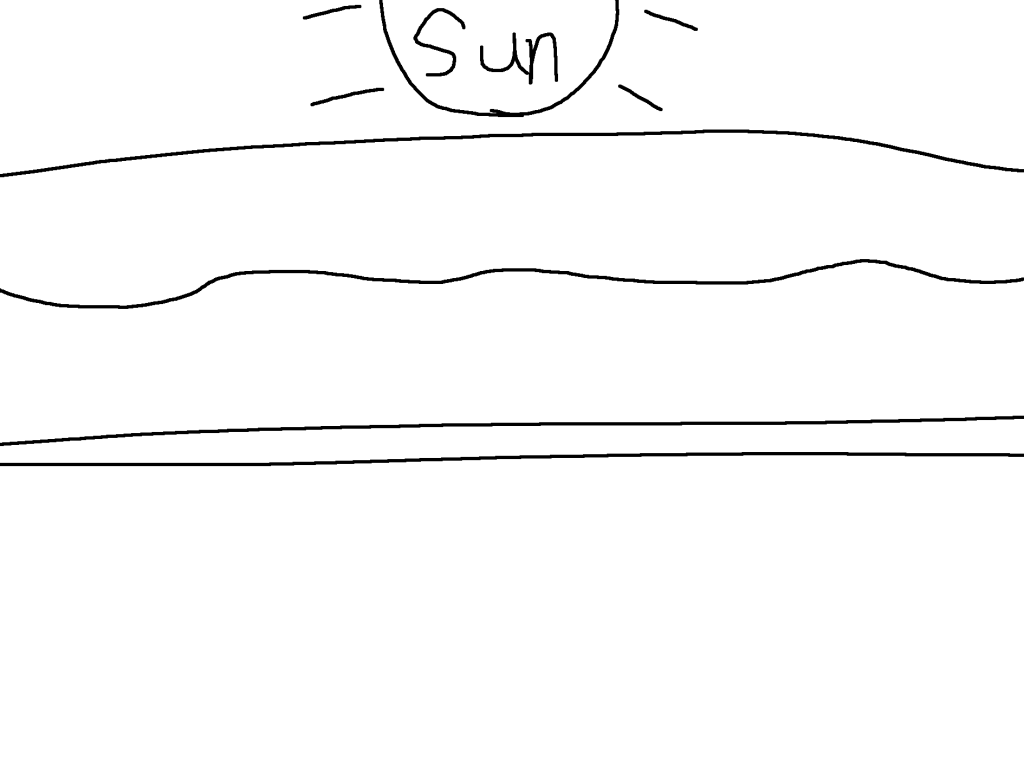
Timeframe: 0 – 10 Seconds
Effects: Sunrays
Sounds: Waves, Wind
The Player will start with looking out to the Ocean. Giving the User time to look around at the Environment and its Style, Hoping to giving them enough time to take in the Scene and the Sounds. Properly Place something at the Sun to grab the User’s Attention, to keep looking in that direction.
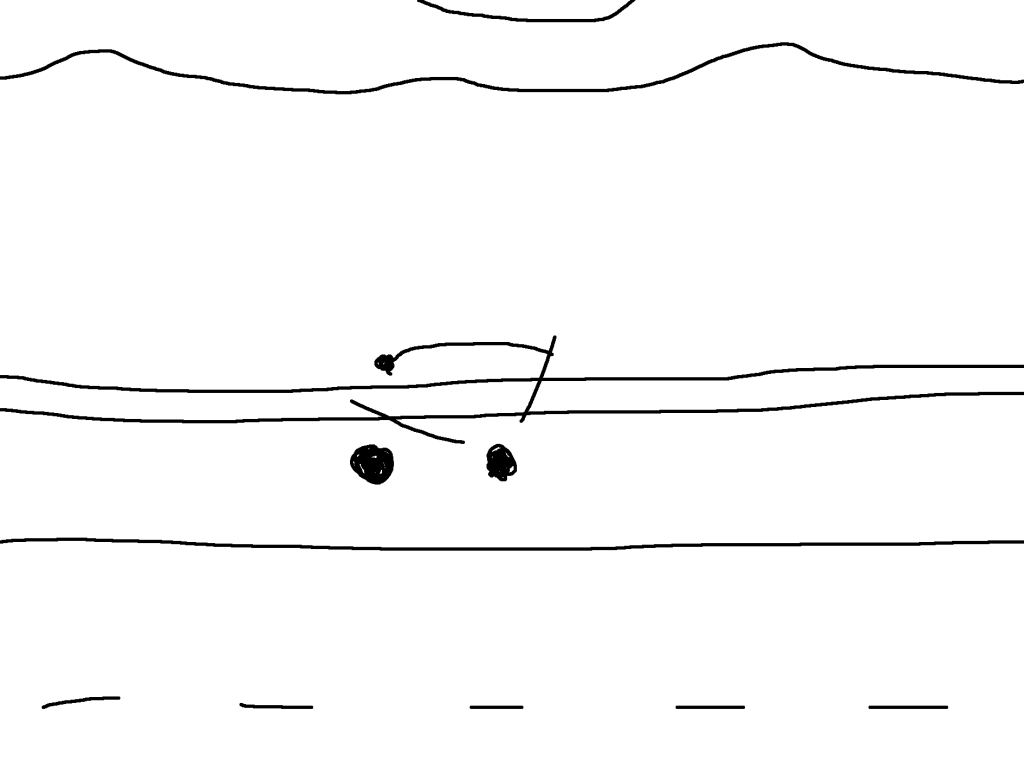
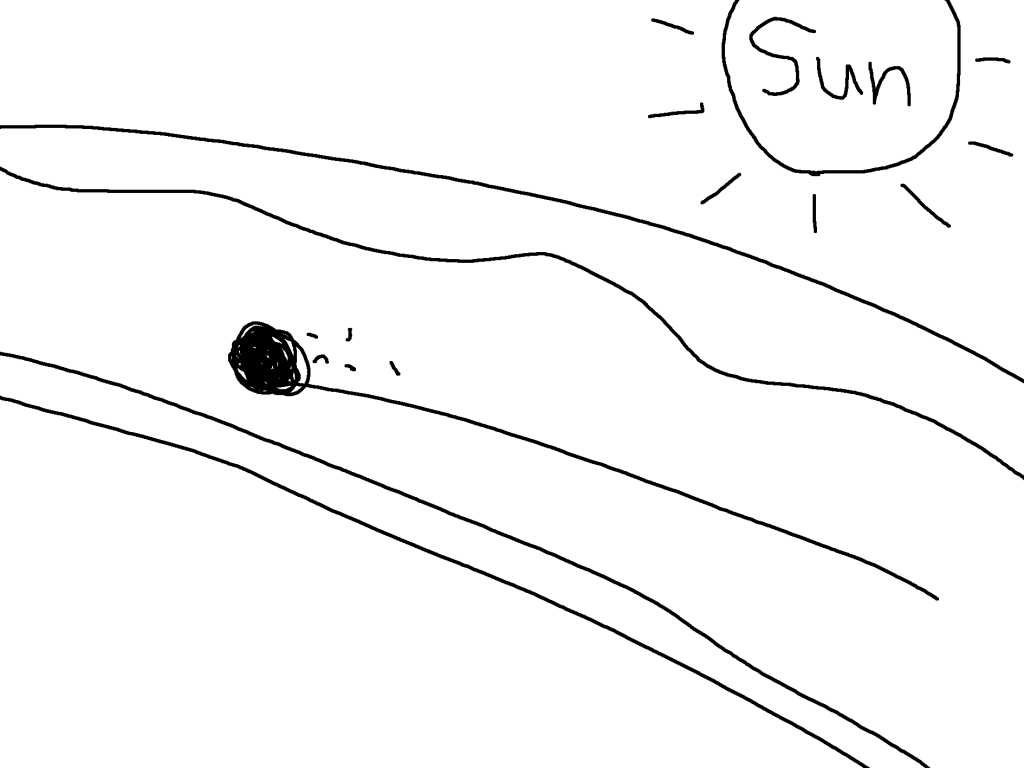
Timeframe: 10 – 13 Seconds
Effects: Sunrays, Emissive Glow, Glowing Particles
Sounds: Waves, Wind
Once the User has gotten used to the Atmosphere and Style, A Glowing Orb will appear and start moving to the Left of the User’s Vision. The Glowing Orb should be able to grab the attention of the User. The User will notice and follow the Glowing Orb, towards the direction its going.
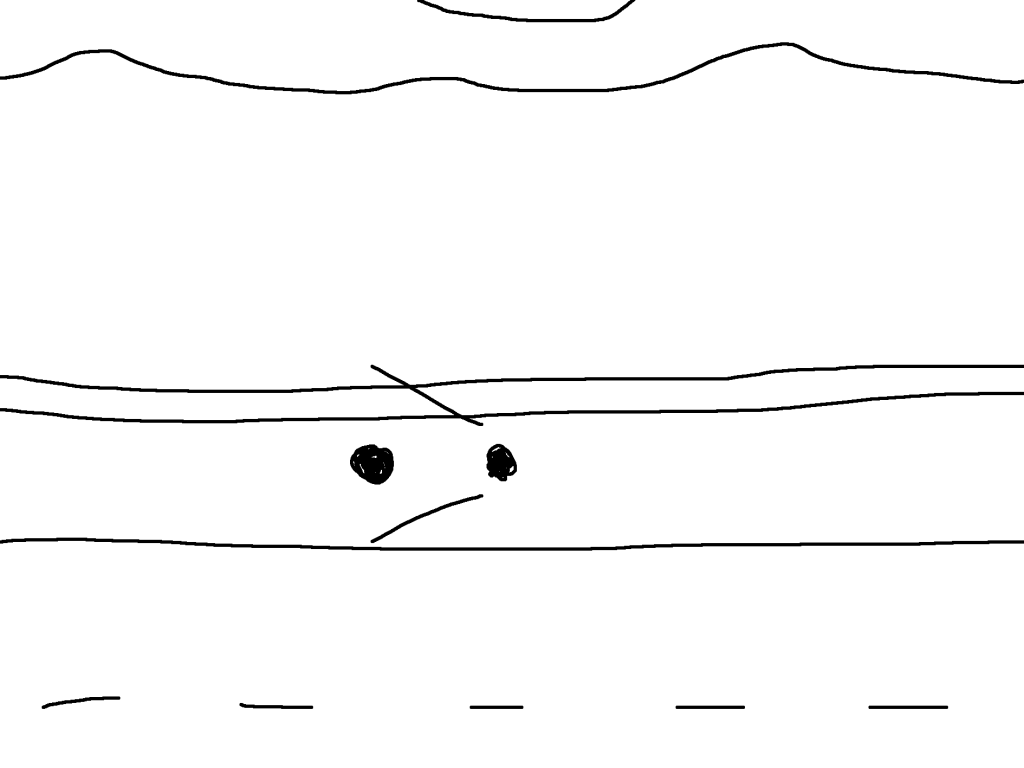
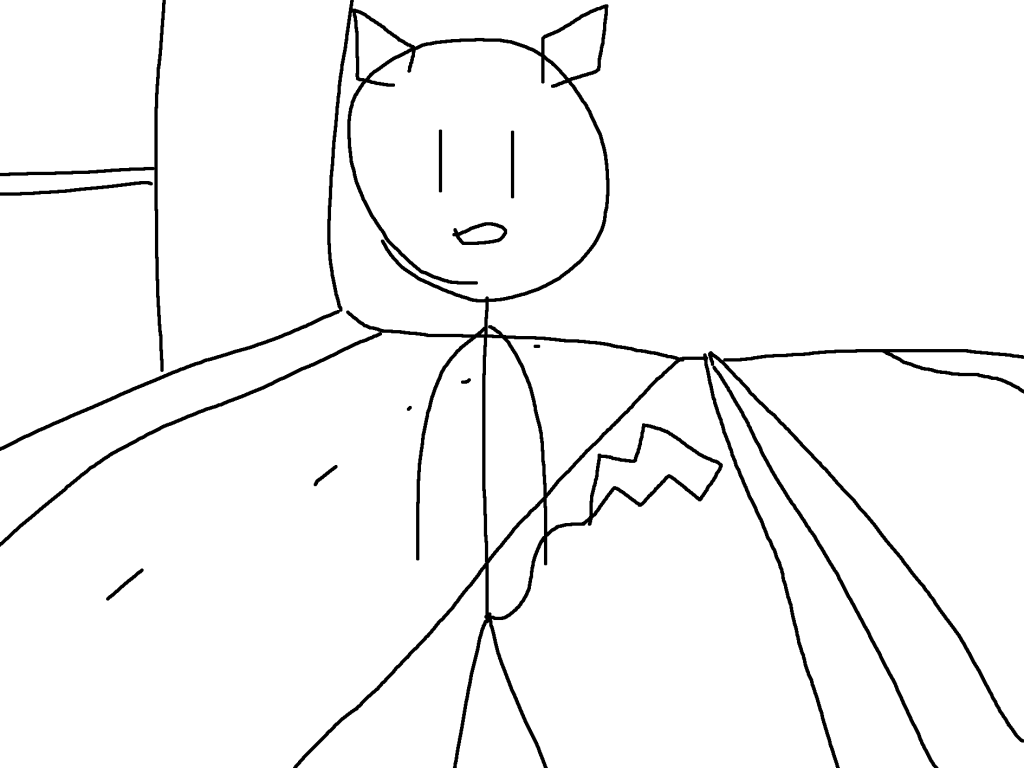
Timeframe: 13 – 18 Seconds
Effects: Sunrays, Electricity(?)
Sounds: Waves, Wind, Female Voice
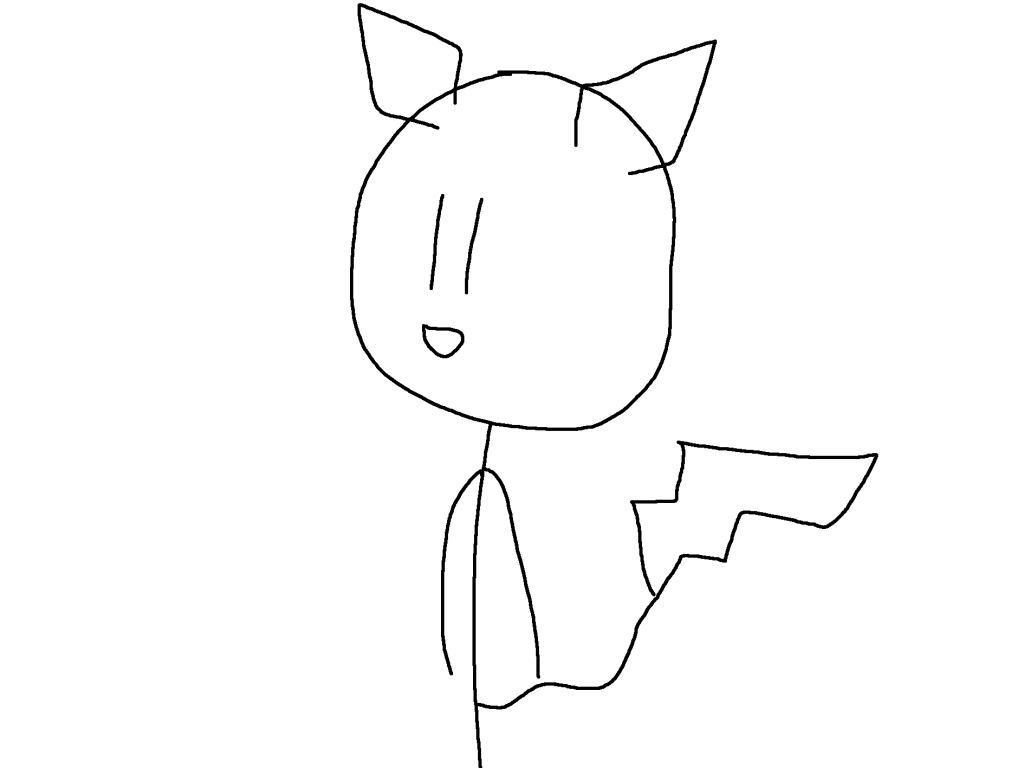
Whilst the User is turning left, a Female Voice will be heard and directed towards the User. ”Hey there, Big Boy~”, “Enjoying the view?”. The User will then see a Tall Female standing a Meter from them. The User will notice that She is a Mouse Faunus and not Human.
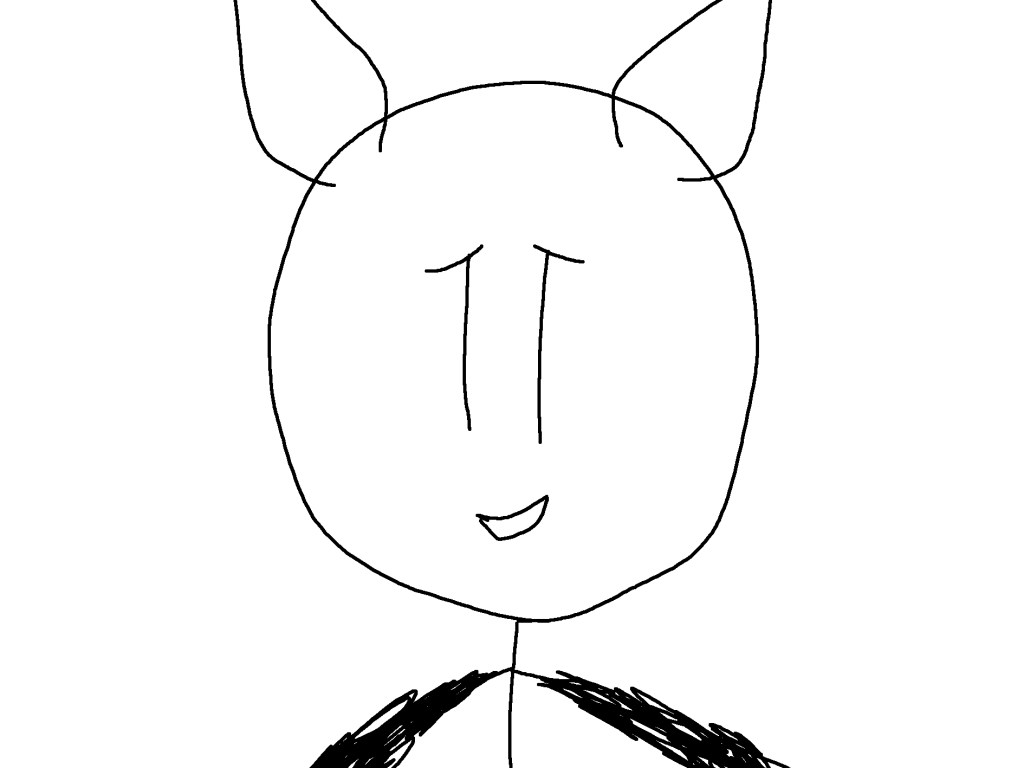
She has Mouse Ears, Tail, Black Skin, Dirty Golden Hair, Custom Black Leather Jacket with Shirt, Dark Blue Jeans and Black Shoes.
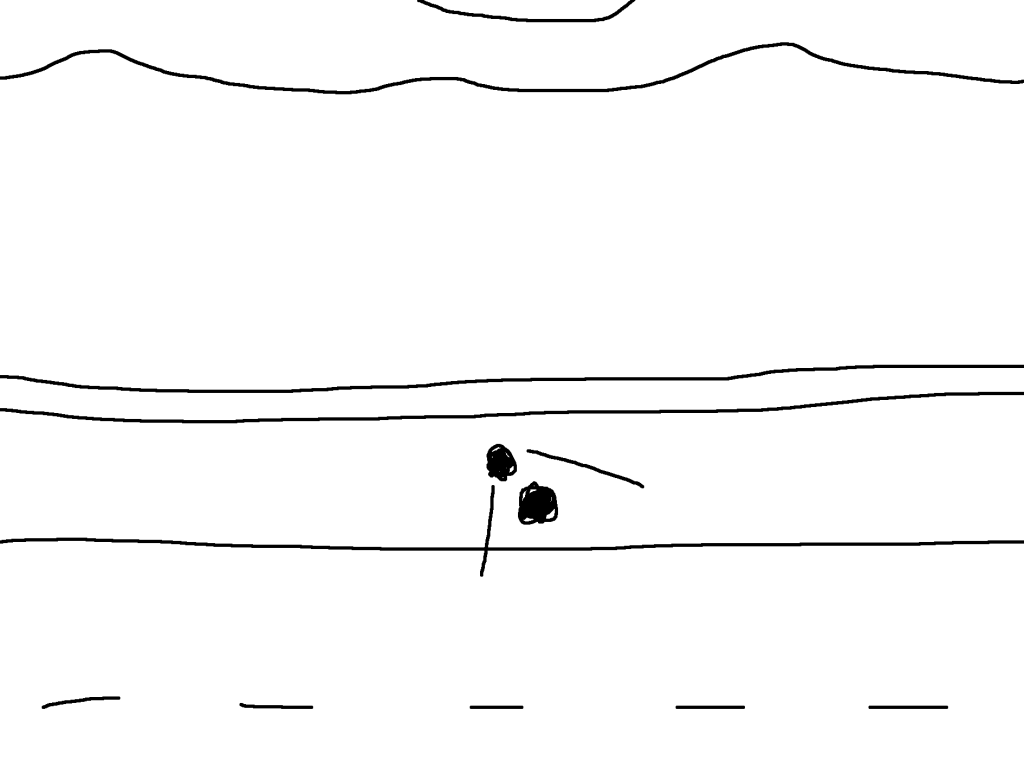
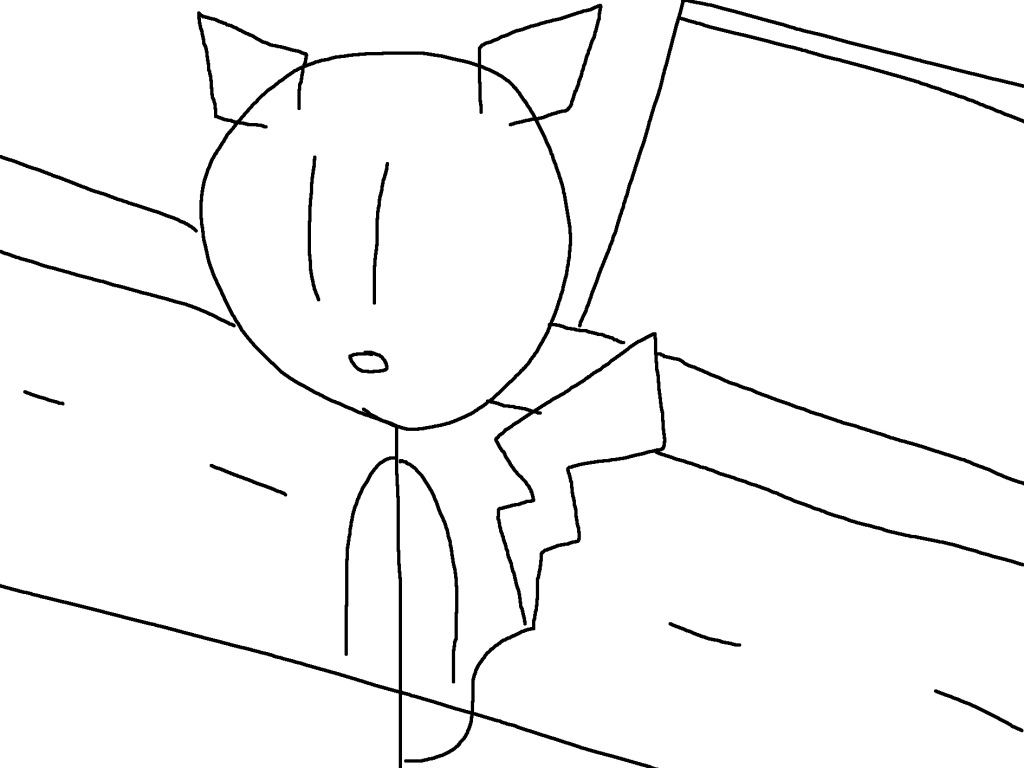
Timeframe: 18 – 25 Seconds
Effects: Sunrays
Sounds: Waves, Wind, Female Voice
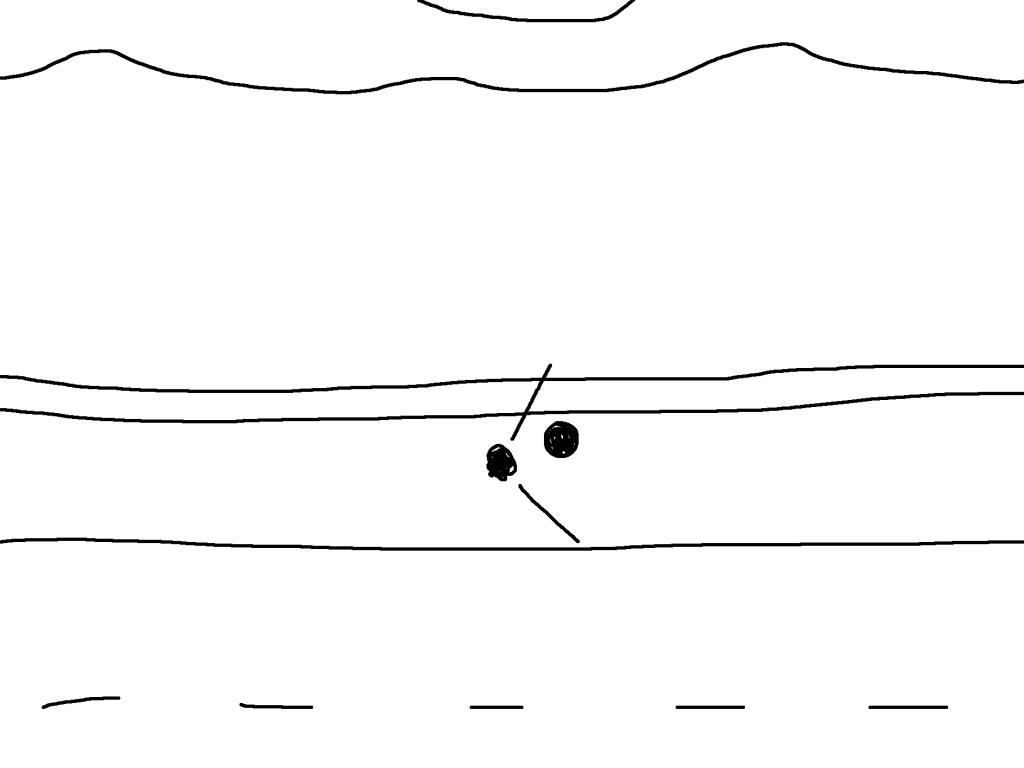
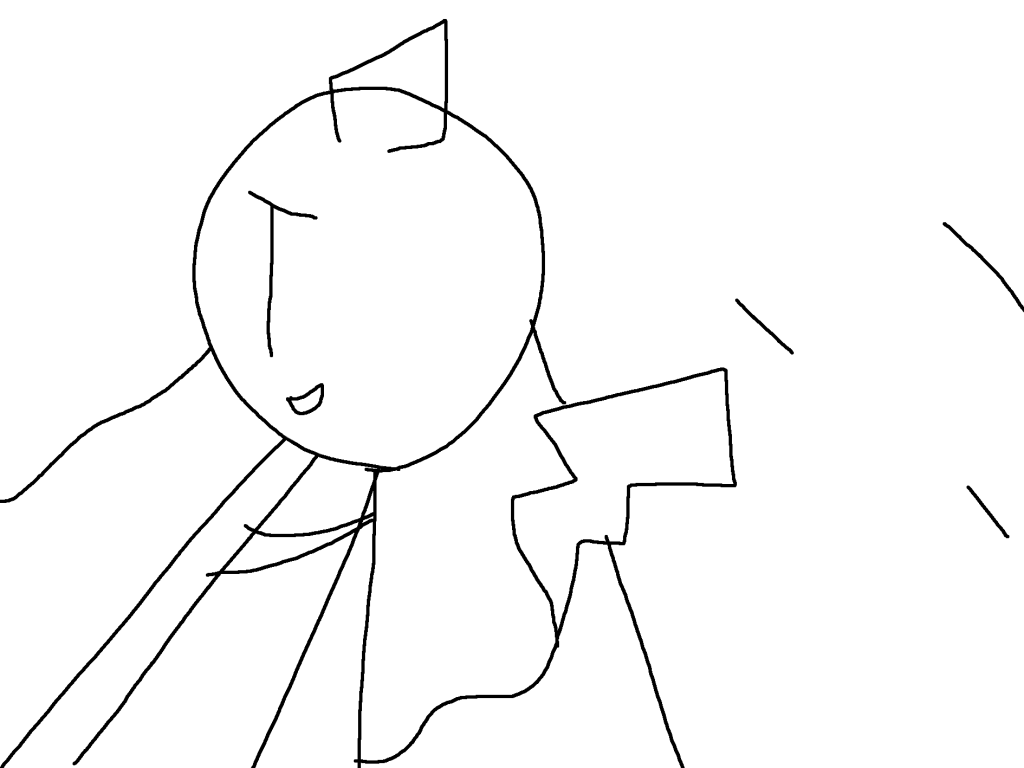
She will then move closer to you. She will then proceed going around you and say “Its quite the view, indeed.”. The User will Focus on Her, whilst she is moving around you. I want the User to Focus on the Conversation. This also allows the User to see more of the Environment if they chose not to look around at the Start.
Timeframe: 25 – 28 Seconds
Effects: Sunrays
Sounds: Waves, Wind, Female Voice
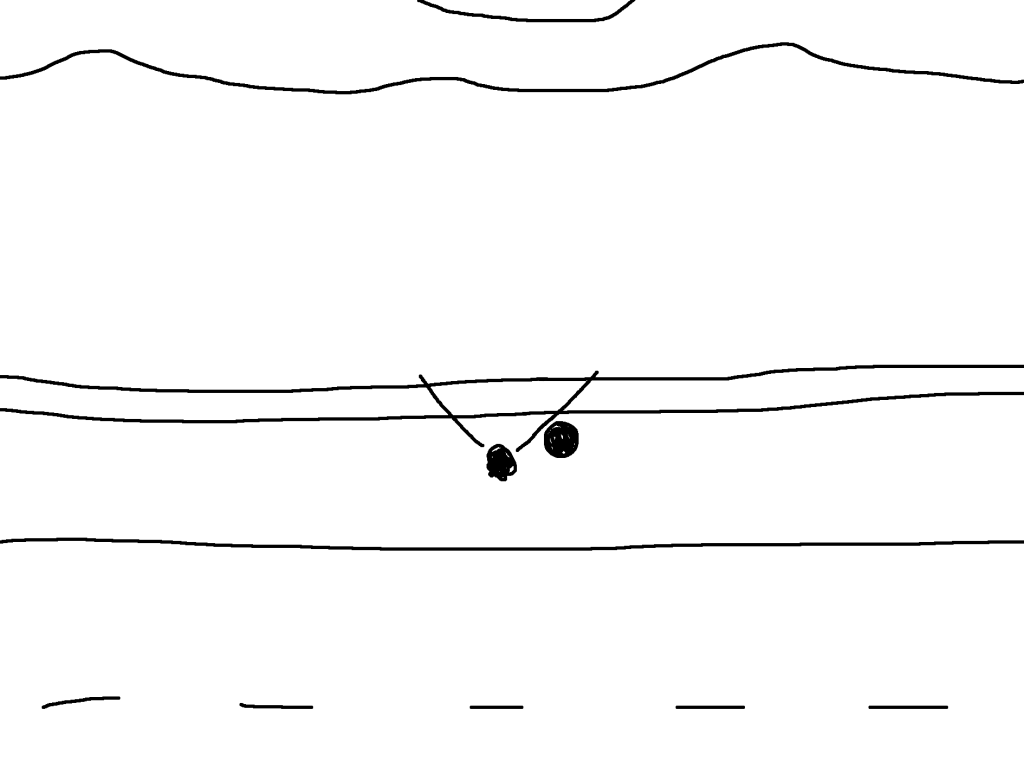
She will then stand beside you and look towards the Ocean. She will then say to the User, “I could look at that sunset all day! Don’t you agree?”. The User can keep looking at Her or divide their attention back to the Sun. Will use a Black Orb to grab the User’s attention towards the Sun.
Timeframe: 28 – 33 Seconds
Effects: Greyscale, Blackened Vision, Blur
Sounds: Eerie Noise(?), Whispers, Laughter(?) Waves (Muffled), Wind(Muffled), Female Voice (Muffled)
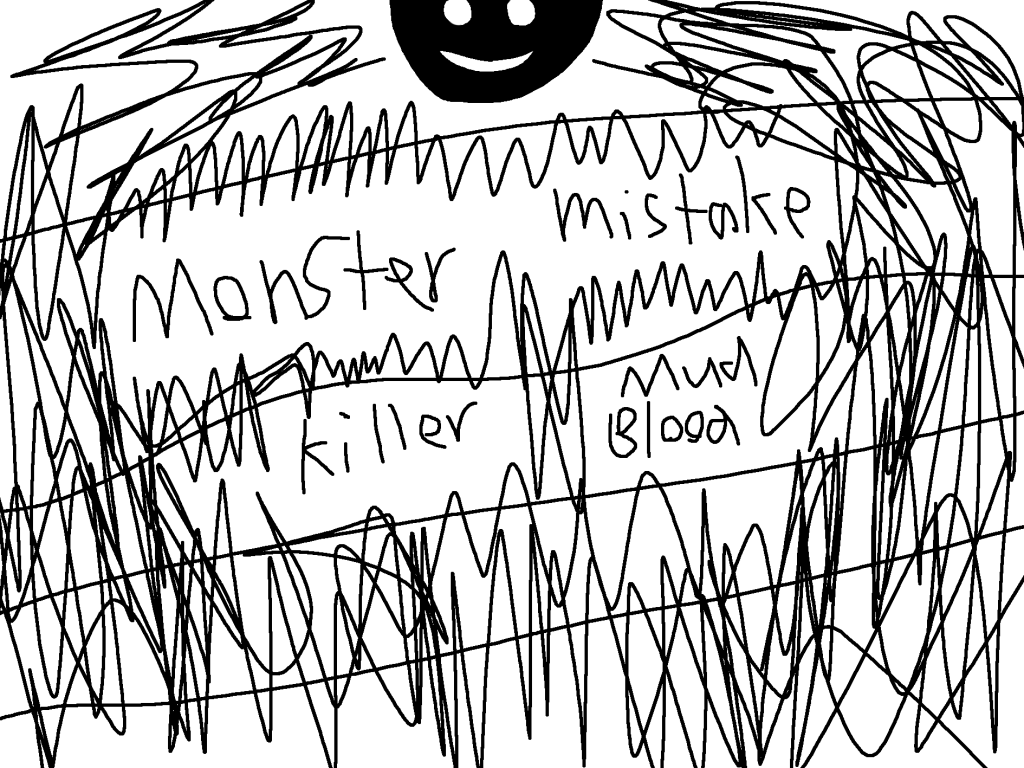
The User will see that the Sun has changed into a Different colour with a creepy smile, looking directly at you. All the colour from the world will fade into Greyscale.
Blur and Blackness will start to happen around the User’s Vision but the Sun’s Direction will still be clear. Text will show when looking at the Sun, calling the User a “Monster”, “Mistake”, “Killer” and a “Mud Blood”.
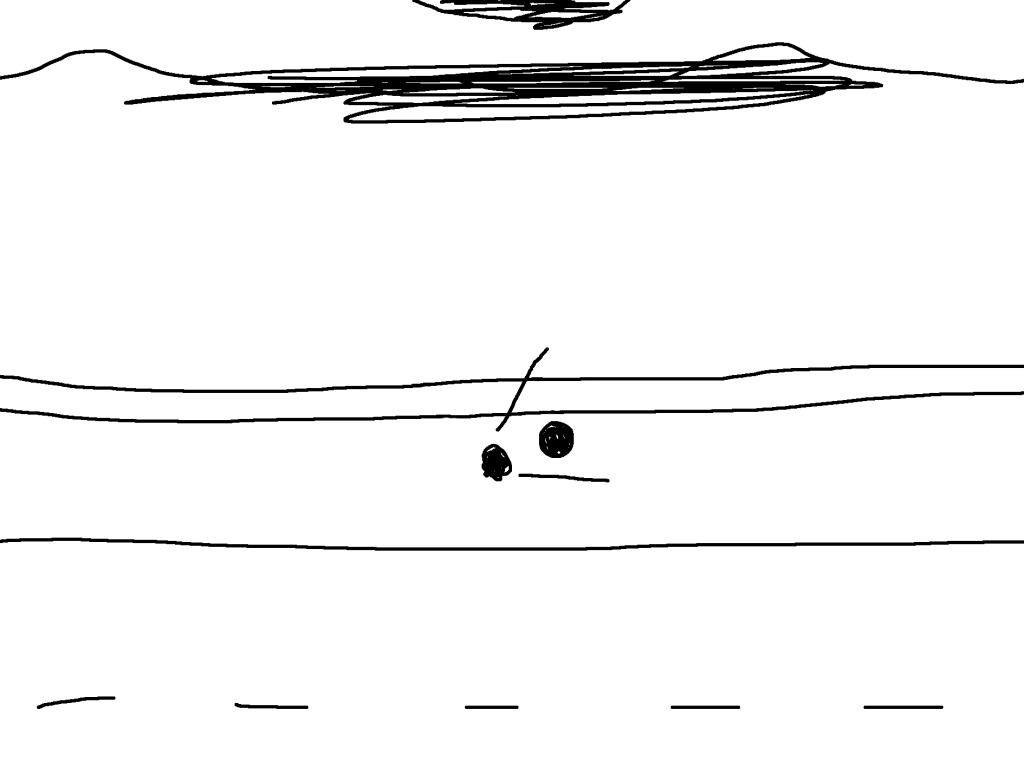
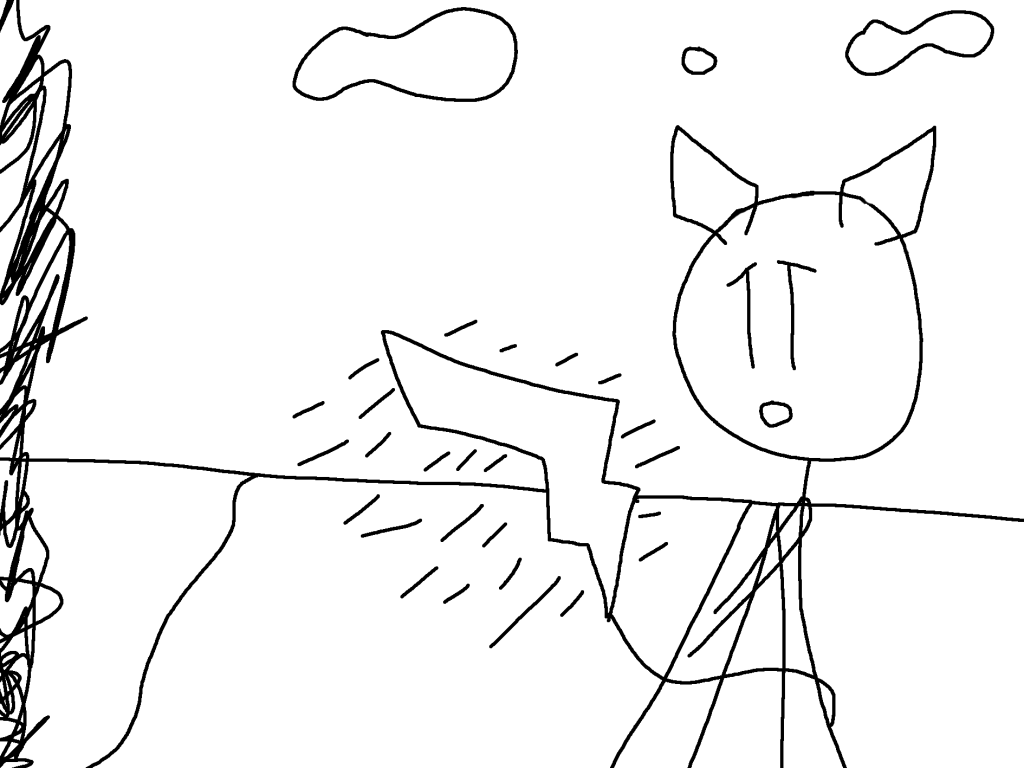
Timeframe: 33 – 36 Seconds
Effects: Sunrays (Fade in), Greyscale (Fade out), Blackened Vision (Fade out), Blur (Fade out)
Sounds: Fading Eerie Noise(?), Fading Whispers, Fading Laughter(?) Waves, Wind, Female Voice
Aureline will notice that you are not paying attention to Her. So, She will use her Tail in front of the Viewers Vision to grab their attention.
She will say “Hello~” “You seemed quite out of it then.”
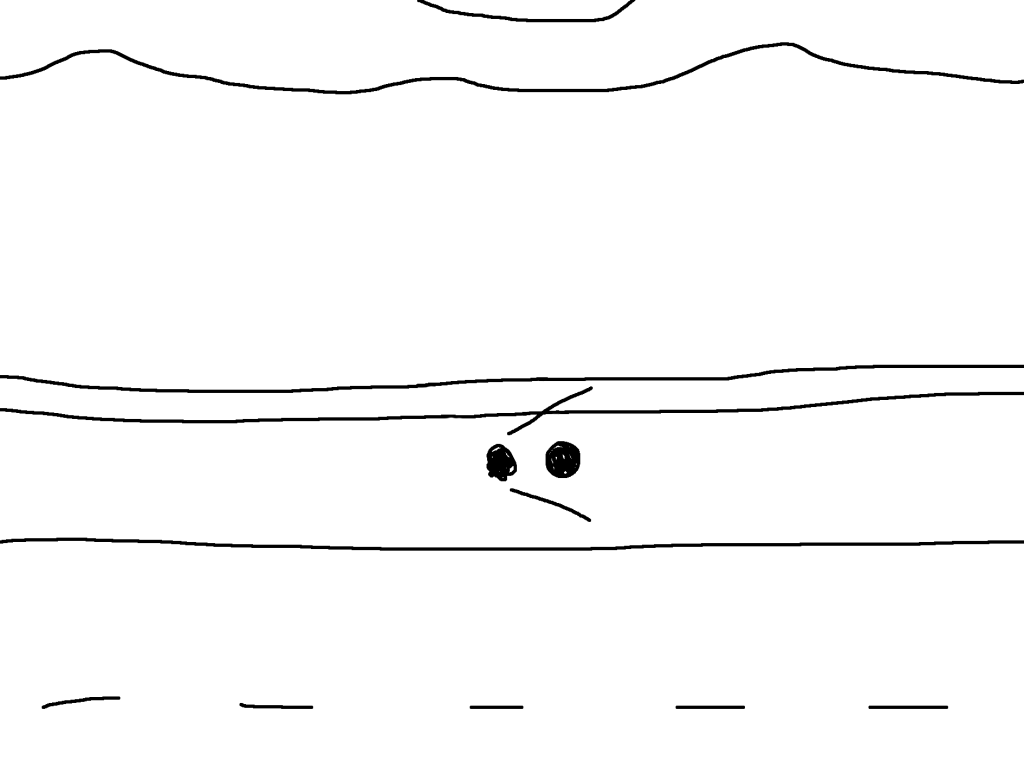
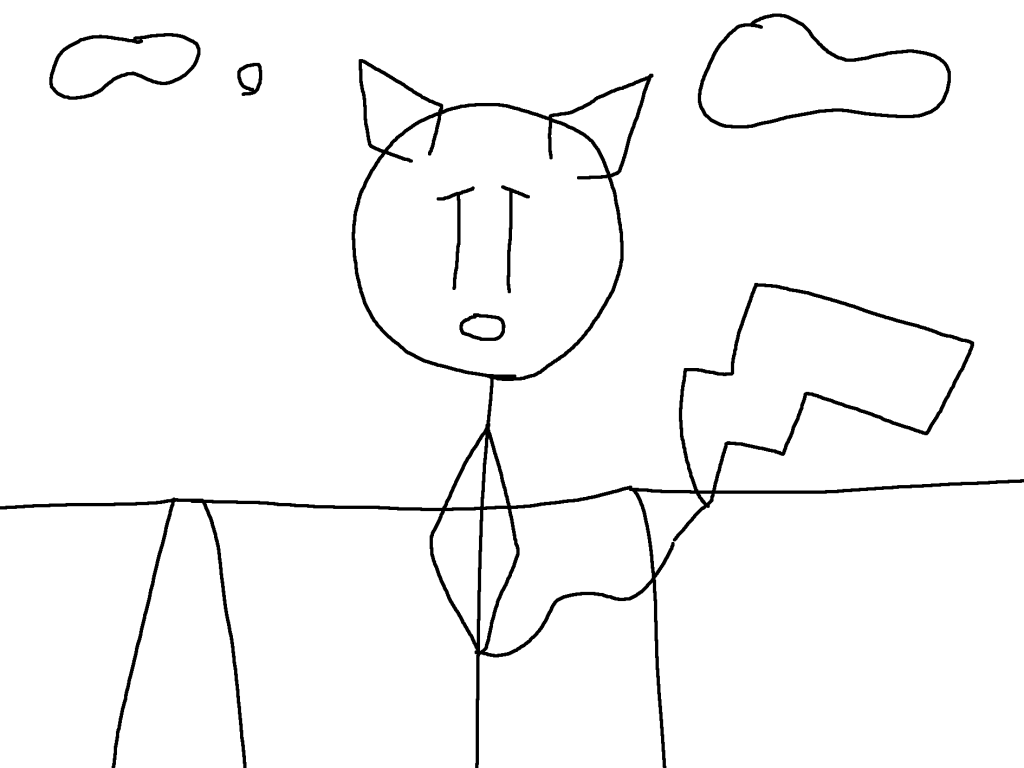
Timeframe: 36 – 50 Seconds
Effects: Sunrays
Sounds: Waves, Wind, Female Voice
Realising that you are getting distracted, She becomes more concerned about your Wellbeing. “Hey, are you ok?”
“You never zone out when talking to me.”
“You know you can talk to me about anything, right?”
“No matter how Big or Small the problem is, ill always listen.”
I want the Viewer to know that Aureline does care for their Mental Health and that She will do anything to make sure that You are alright.
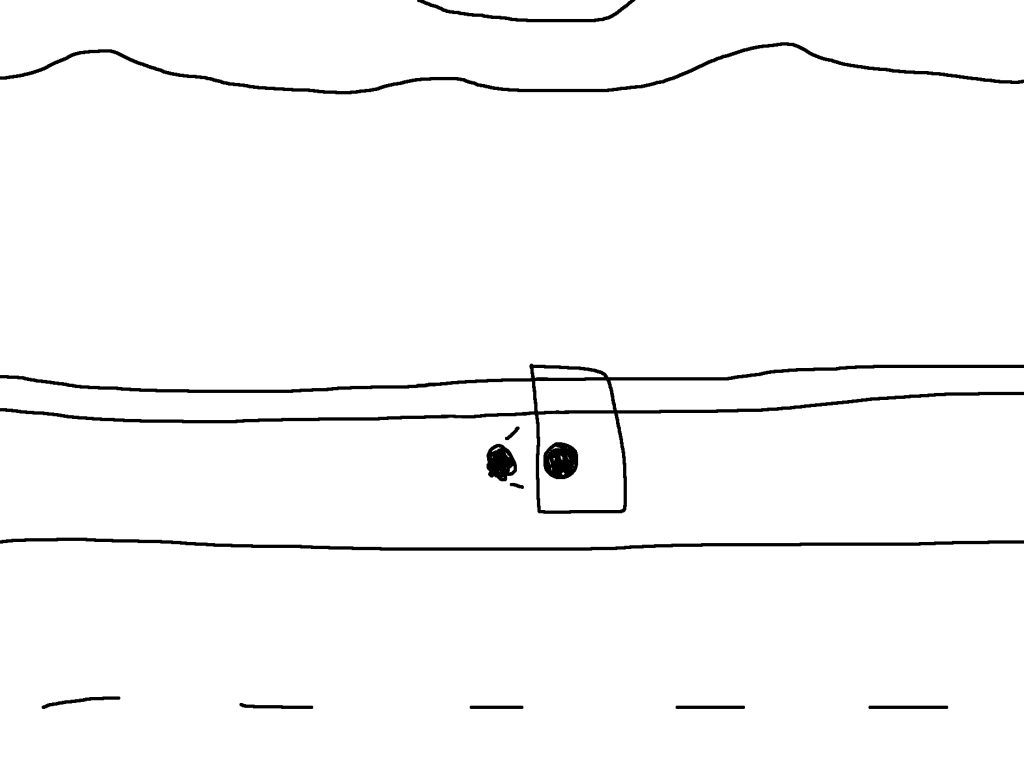
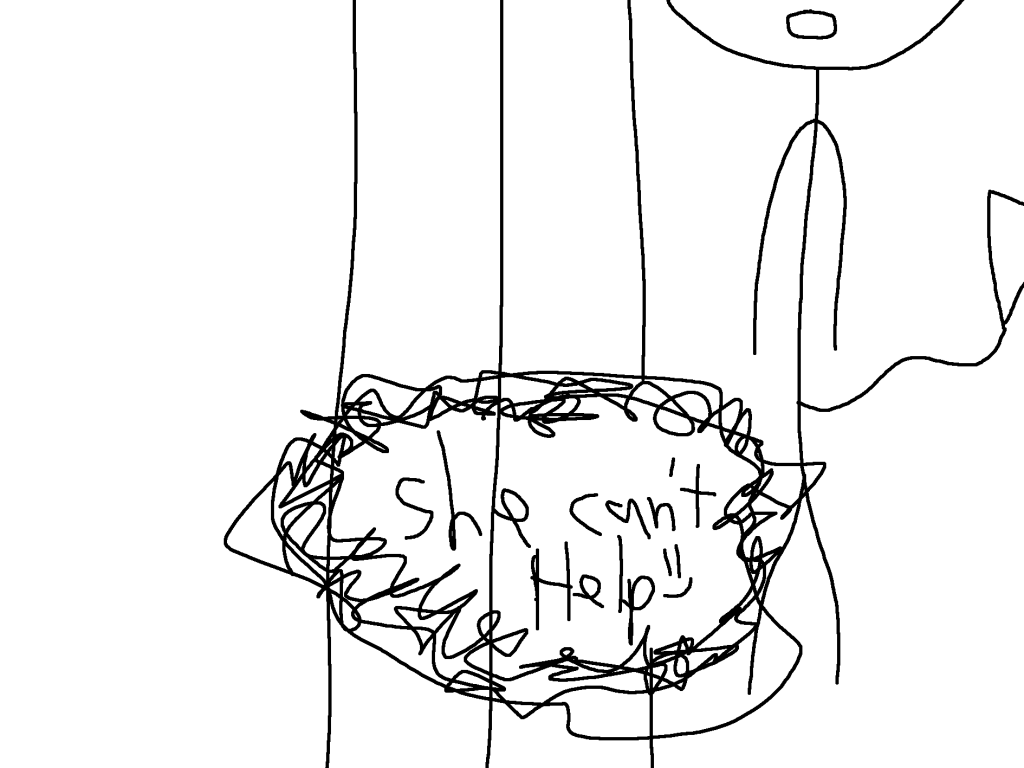
Timeframe: 50 – 55 Seconds
Effects: Sunrays, Greyscale (Fade in and out), Blackened Vision (Fade in and out), Blur (Fade in and out)
Sounds: Quiet Eerie Noise(?), Quiet Whispers, Quiet Laughter(?) Waves, Wind, Female Voice
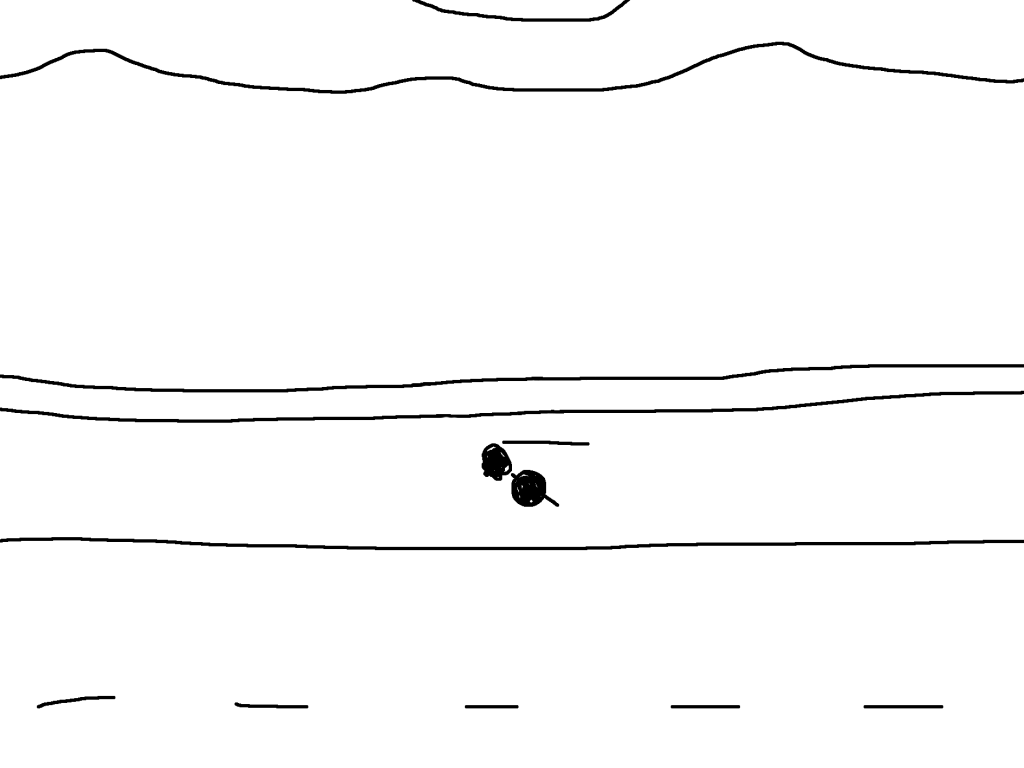
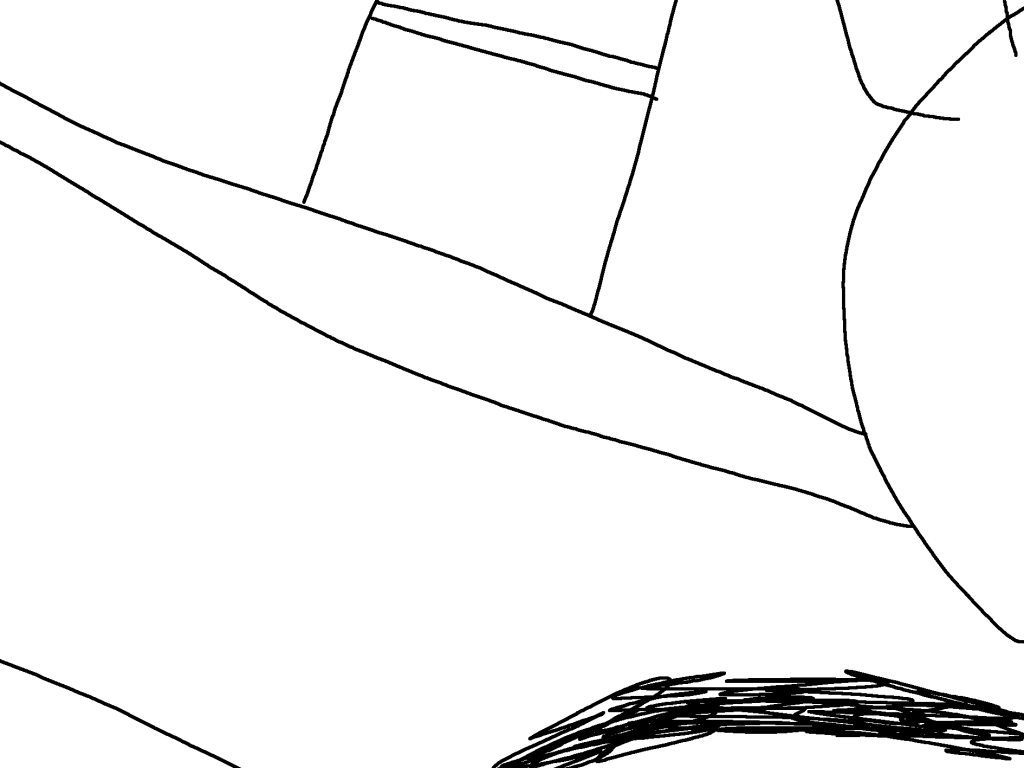
During Her talk, Darkness will appear at the Bottom of the Viewers Vision, prompting them to look down. Aureline’s Voice starts to get Muffled. The Darkness will say “She can’t Help :)”, Hinting the Viewers Dark Thoughts and trying to Push Aureline away.
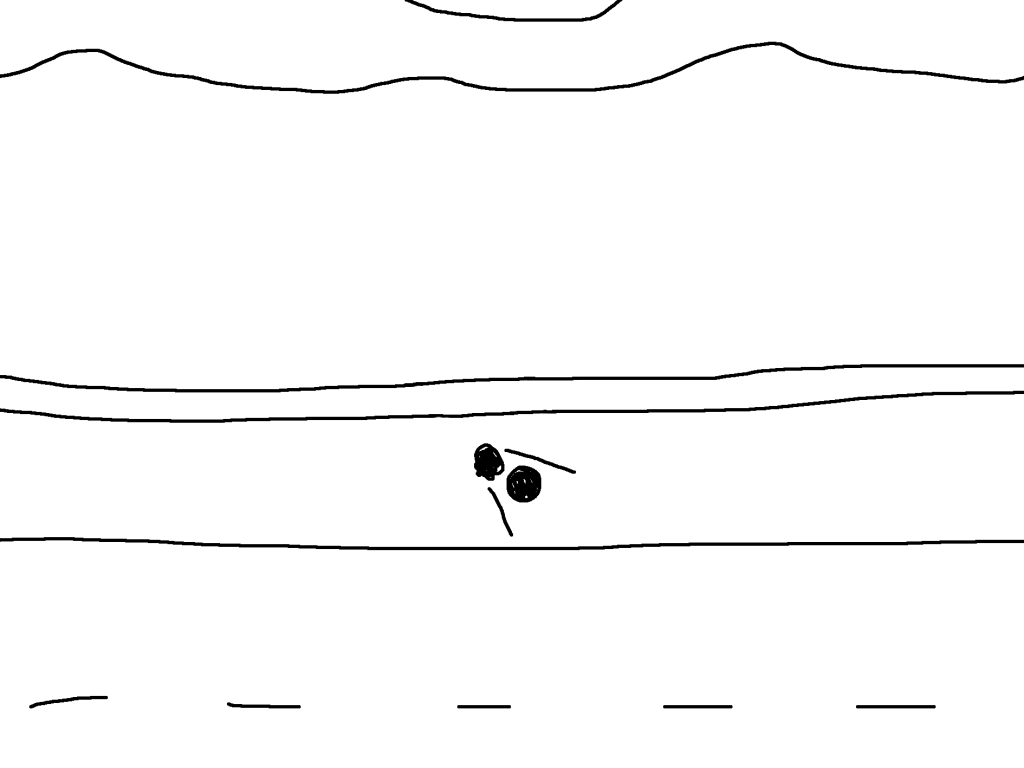
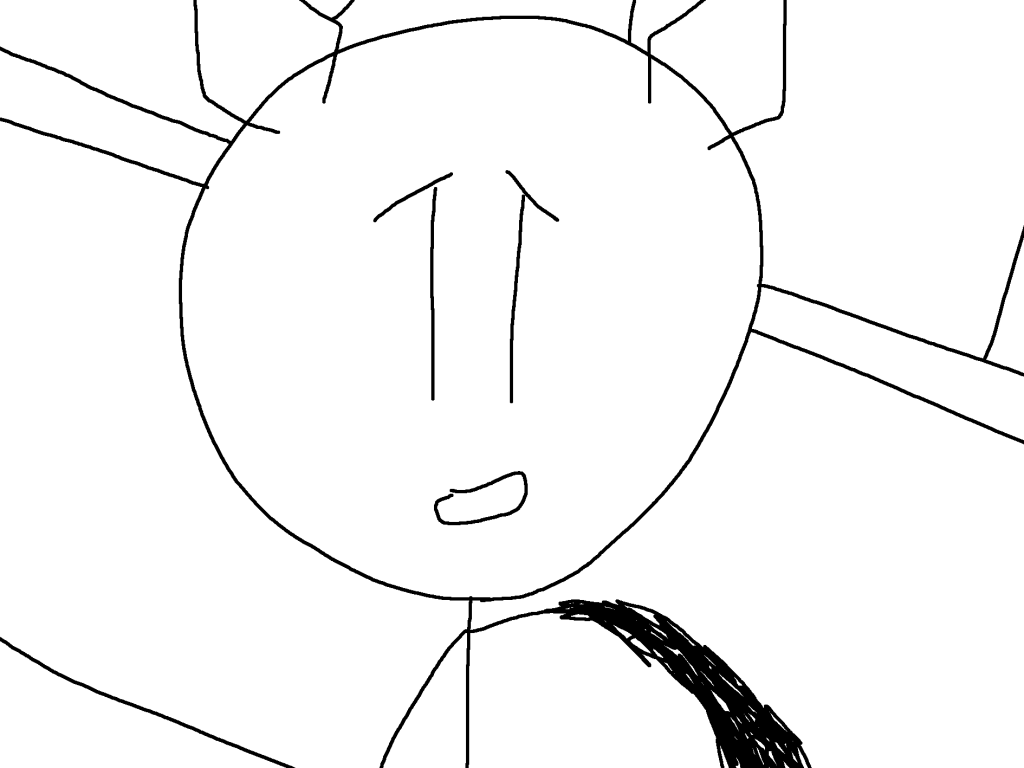
Timeframe: 55 – 65 Seconds
Effects: Sunrays
Sounds: Waves, Wind, Female Voice
She noticed you are getting Distracted again. So She gets closer to you and She uses her Physic Powers on Her voice to override the Dark Thoughts, You start to hear Her clear as day again.
“Hey! Look at me!”
“I don’t know what is going on inside that Head of yours.”
“But always Remember, I will be by Your side no matter what.”
“You are a Wonderful Person. You are Shy but you are Kind and Chill around People.”
“You even Helped me get through my Problems when I thought no one could Help me.”
Her talking to the Viewer, distracts them from the Dark Thoughts that they have been Hearing. Slowly fading away, having full Focus on Her and Her Calming Voice.
Timeframe: 65 – 75 Seconds
Effects: Sunrays
Sounds: Waves, Wind, Female Voice
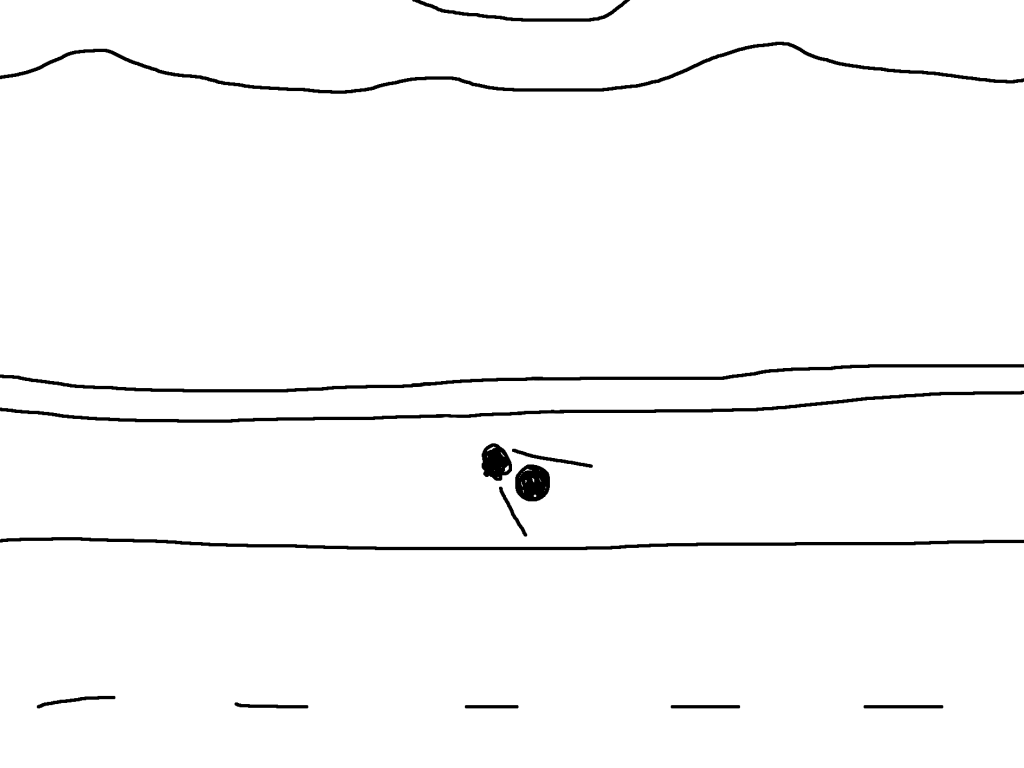
After that, She will Hug the Viewer to make them Feel Safe and Reassured that they are Cared for.
“Remember, Your Family Cares for you.”
Your Friends Care for you, I Care about You.”
“Please don’t ever think I will not be there for you in your Darkest Moments, you mean the World to me.”
Timeframe: 75 – 90 Seconds
Effects: Sunrays
Sounds: Waves, Wind, Female Voice
She will finish Her hug and proceed to put bother her Hands on the Viewers ‘Shoulders’. She will say a few more words before trying to change the Subject to bring the Viewers Mood back up again.
“I will always Love you, no doubt in my mind.”
“Remember that, okay?”
“Now! Enough of that Sadness Crap!”
Timeframe: 90 – 130 Seconds
Effects: Sunrays
Sounds: Waves, Wind, Female Voice
She will start to talk about meeting her Mother for the first time. Reassuring that everything is going to be okay and she thinks highly of the Viewer. She promises that the Viewer will be okay as long as they stick together.
“C’mon, lets go to my House. My Mother has been dying to finally meet you!”
“She is wondering what you look like, She’s betting that you are a small Cutie~”
“Well my Mom is not Wrong, You give off a Cuddly vibe.”
“Let’s not keep her Waiting, she making us some Dinner!”
“Don’t worry! You will be fine, she already thinks of you in a good light”
“We will get through this, Together~”
“C’mon, Lets Go! I’m getting Excited and Hungry!”
Timeframe: 130 – 140 Seconds
Effects: None
Sounds: None
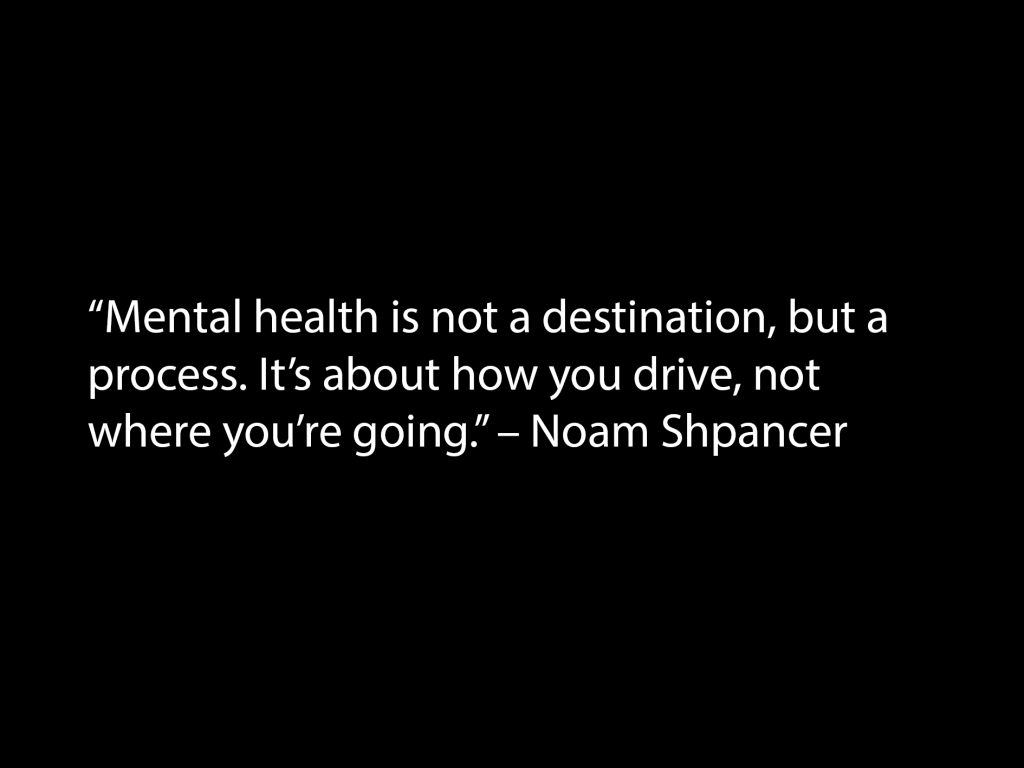
The experience will end. But before finishing, the screen will fade to Black and give a Quote about Mental Health. Delivering a Final but strong message to leave on for the Viewer to think about.
~~~
Early sketches focused on the outside environment where the boy’s emotions are visualized through altered perception: blackened vision, overwhelming whispers, and a greyscale world that gradually transitions to colour, Aureline will be there to comforts the viewer.
The aim is to Outline the isolating feelings happening in the Experience. Then, with the warmth and love offered by Aureline to help combat the Dark Thoughts and reassure the Viewer is Loved and don’t Listen to the Inner Demons.
Mood and Tone:
The video will adopt a Depressed and intense tone, with dark, suffocating visuals and unsettling sounds like Heartbeats, Whispers, etc. As Aureline appears, the tone shifts towards warmth, softness, and comfort, with the Help of Aureline’s Presence and Soft Voice.
Along with brighter lighting and a gradual return to colour. This helps Indicate that Aureline is a Big part in the Boy’s Life, always being a Beacon of Warm Light. Preaching and Breaking through this Cold and Dark World the Boys keeps having.
1. Depiction of Mental Health Struggles:
Conceptualizing Mental Health Visually
Using the Drawing Tool to create a ‘Tunnel Vision’ to show the World around the Viewer is disappearing and they can only see a part of it, causing a break in Reality. Also, using hurtful words with a creepy font to show the negativity happening in the Boy’s Mind. Having also a Greyscale to remove Colours to show when a Mental Health Attack occurs, helps with identifying the key differences in Behaviour.
Authenticity and Sensitivity:
Through the Experience, you will see that the Boy was trying to hide his feelings behind a Mask to make sure that no one is worrying about Him and to make sure that they are Happy by Hiding these Dark Feelings. This has a Great Negative Impact on the Boy’s Health and Mental Wellbeing, its never good to bottle up emotions. However, Aureline shows up when the Mental State is at an All Time Low.
The Mask is cracking, seeing the World changed around the Viewer whilst Aureline is chatting to you. Thus, Aureline catches on, noticing the cracks and begins breaking the walls down that the Boy has put up to stop to hide His True Feelings.
Hoping to show the Viewer that not all People with Mental Health are seen as Sad. They can be the Happiest People around on the Outside but hide their True feelings until they are by themselves, away from others. Not everyone can keep up with having a Mask on all the time.
Thus, you see a change in their Behaviour and you don’t know why. This Experience was made to help open the eyes to Mental Health and give the Viewers understanding of it. Hoping, when they see someone in the same ‘Mental Boat’, they can give them Help before it is too late.
The Emotional Journey:
The Viewer will go through the Story, learning about the Boy and His Mental Health Struggles. Then having Aureline come in and reassuring the Boy that everything will be okay. This is a constant battle of the Mind. The Darkness saying awful words to the Viewer, trying to make sure the Boy falls further into Agony and keeping Aureline out of his Head in order to keep hold of the Despair. Whilst Aureline is trying to bring Hope, Love. She is fighting for his life, trying to break through.
Knowing that one day the Darkness could take Him away forever if She doesn’t intervene. Thus, She wins in the end, for now. but while She has the Viewers Attention, trying to talk about himself and that She will always be there if they ever need Help. Keeping him close and spend time with Him to make the Viewer understand How much She really cares about Him and wants to bring Care, Love and Comfort.
A True battle between Darkness and the Light.
2. Psychological Metaphors and Visual Language
Visual Representation of Mental Health States:
Greyscale Vision: Represents emotional numbness or a sense of detachment from the world. This shows how unattached from this World someone can be.
Blackened Vision: Represents a feeling of suffocation or being overwhelmed by thoughts or emotions. This can cause stress on the Eyes and Potential Damage.
Distorted Perception: Represents the inability to see things clearly, symbolizing confusion or distorted self-worth. This can lead to Anxiety Attacks and loss of Breath.
Sound Design as a Mental Health Metaphor:
Heartbeat: Hearing your own Heartbeat that’s sounds Heavy and Fast can be caused from a Stressful Situation. This also can increase Blood flow and Pressure, leading to further Health issues.
Whispers: Indicating that there are ‘People’ that might be Talking behind the Viewer’s Back. Unable to understand what the Whispers are saying but could be mistaken to be aimed at the Person can bring discomfort and Anxiety.
Sound Muffling: Losing the Ability to hear what’s going on around them and to Interpret things Clearly. Can interfere with the Ability to relate to others and make a Person withdraw from the Rest of the World. This can lead to having Hallucinations and becoming Delusional.
3. The Role of Aureline
Aureline as a Symbol of Support and Comfort:
Aureline is the Sunshine to the Boy’s Mind. Having a Soft, Calming Voice when talking to you, She provides Happiness and Comfort towards the Viewer. showing that She cares about the Boy. As She continues to Support the Viewer, the Greyscale disappears and shifting back into Colour. Heartbeat fades and Slows down. Whispers fade and the World starts to become Brighter again.
Aureline’s Words will echo in the Mind of the Boy, Gently removing the Hateful Whispers and Restoring Balance to the Boy’s Psyche. This is an Important Role in the Experience to help show about Mental Health and the Support needed to help Someone when they are feeling down.
Reassurance and Empowerment:
Aureline will keep reassuring the Viewer that they going to be fine and that they are a Wonderful Person. She will go into detail about your Ups and Downs, that She accepts you for who you are and you don’t need to hide your Feelings from Her. She loves the Boy and will be straight Forward and Clear about it, to make the Boy understand how Important He is to Aureline and She will do anything to keep him Happy.
4. Emotional and Cognitive Impact on the Viewer
Immersive Experience to Promote Empathy:
By taking on a Different Person’s Perspective, this can help the Viewers learn and understand Empathy. Having this Experience allows them to take Experience from another Person and add to their own. Increasing the Level of Empathy and they could start to understand Mental Health and start helping people who Suffer from it.
5. Ethics and Responsibility in Representation
Ethical Considerations:
The 360 Video will show Mental Health Struggles with Respect and Empathy. The goal is to offer an Emotional, Engaging and Sensitive Representation of what it feels like to Experience Mental Health.
Aureline is designed to be a Supportive Figure to help offer Comfort and Reassurance. This help understand that seeking help and support is essential, while being able to promote the Idea of unconditional love, Compassion and Hope.
The Video is a Optionally Intense Emotional Experience. So, I will need to make sure that it is important to Inform the Viewer beforehand of the Content’s Nature. By Warning about Mental Health, Anxiety and Depression. This will need to be included at the Start of the Video to ensure the Consent of the Viewer before they Proceed.
The Experience is about the Portrayal of mental Health and to Raise Awareness and Help with Understanding. Its not to exploit the subject for Entertainment Purposes. The Narrative is focused on Empathy and Love, especially through the Comforting Presence of Aureline and Her Personality.
Intended Impact:
The 360 Experience is intended to help people understand Mental Health and help raise awareness of Problems that come with it. Maybe, help people reach out to Someone who has Mental Health and give them the Help they need before its too late.
Immersive Design:
I have analysed other 360-degree experiences in my Research Proposal to understand how to balance an intense experience with a sense of safety, particularly when dealing with sensitive subjects like Mental health. Also, with my own Experiences with Helping to calm me down when I’m Stressed or Feeling Down.
Production
Week 1 – (14/11/2024) (Commenced on the 11th)
Using the same Project I used to create my First 360 Video Test, gave me a Starting Template of the Environment I wanted to use for the Final Experience. Coming with a Basic Coloured Beach, Ocean, Clouds, Sun, Path and Walls. This was all I need to start Playing with Animations for Aureline, since I wasn’t planning to move the Path’s Placement.
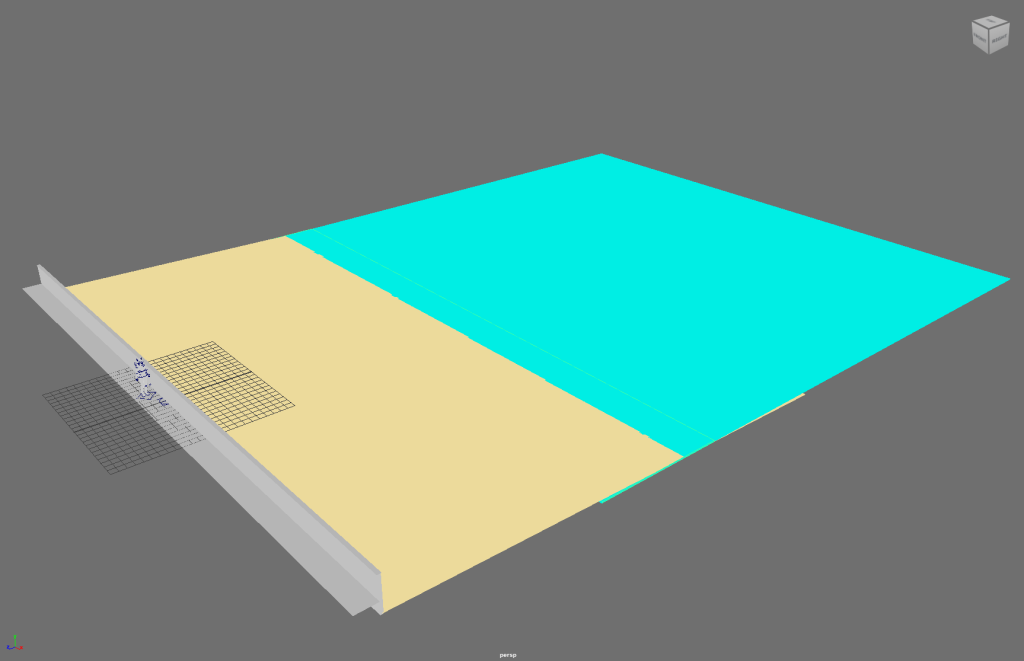
The Camera is Facing towards the Ocean, since this is the First part I want the Viewer to see. This will give them Information that they are standing at the Beach, looking out to the Ocean and the Sun. To give them Further Information, there will be Wave Sounds Playing to ensure that they are at some sort of Ocean Scene.
Before I could even get started with the First Segment of Animation, I ran Into a Problem where if I rotated Aureline’s Torso the entire Skeleton went Crazy and went into different directions. Breaking the Animations Entirely. Me and my lecturer, Jason Hayhurst went through the Aureline’s Bones and IK/FK Controllers to see if we can Identify the Problem, hoping to be a Quick easy Fix.
Most of the day was spent looking for the Problem and couldn’t find where we could get a Solution. Redoing the Entire Skeleton and Weight painting was not going to be the Option, since I would not have enough time to it and get the Animation’s in. So we Decided that I would go to see my 3D Character Animation Lecturer, David Grant the Next day for him to take a look at the Model’s Bones.
After Two Hours, David found the Problem, Fixed it for me and showed me what was the Cause of the Model’s Bones Freaking out. Turns out He moved the Spine_IK in and out of the IK/FK Controller Group, somehow Resetting the Spine and fixing the Rotation Problem.
Now by the Start of next week, I can Start making the First Segment of Animations and Start adding in Textures for the Assets, in the Scene.
Week 2 – (18/11/2024)
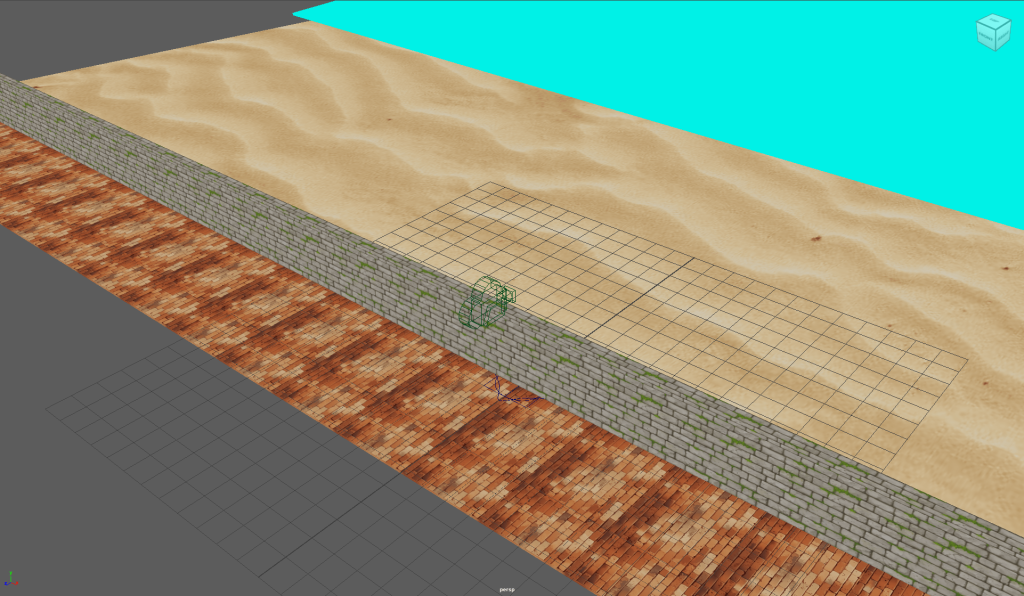
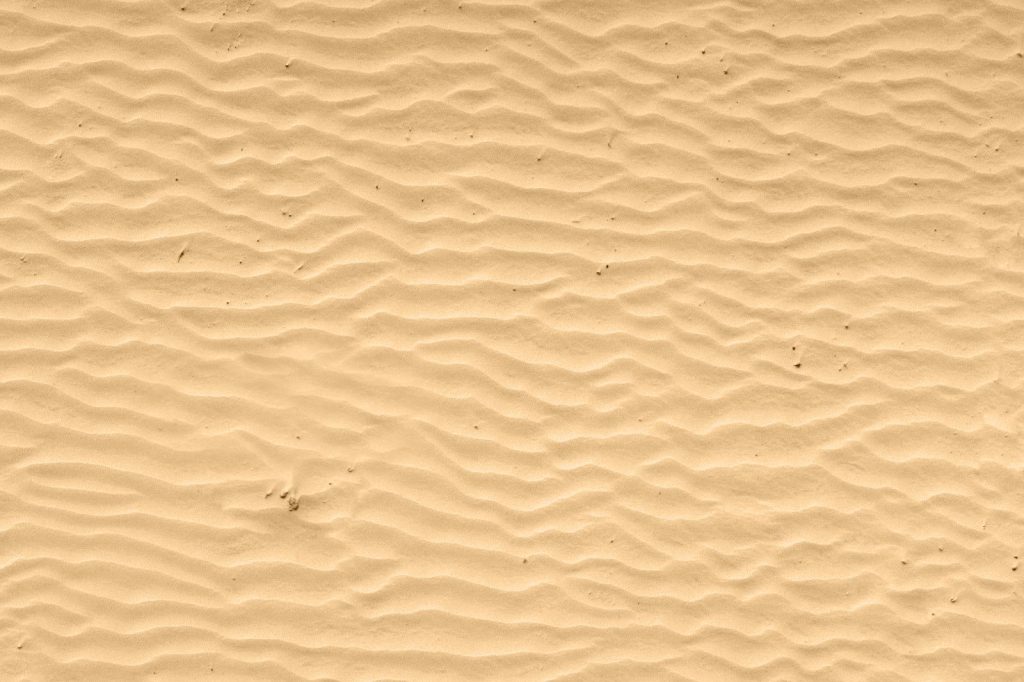
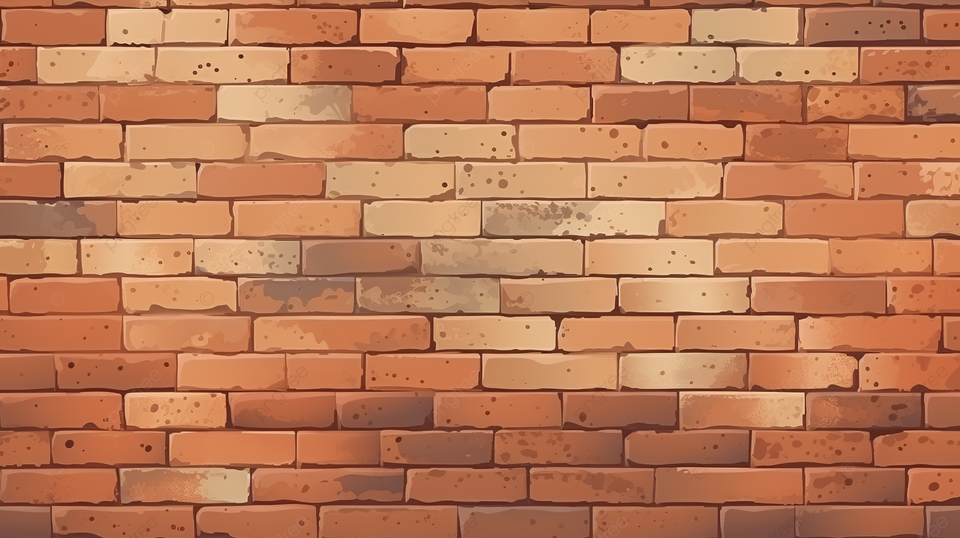
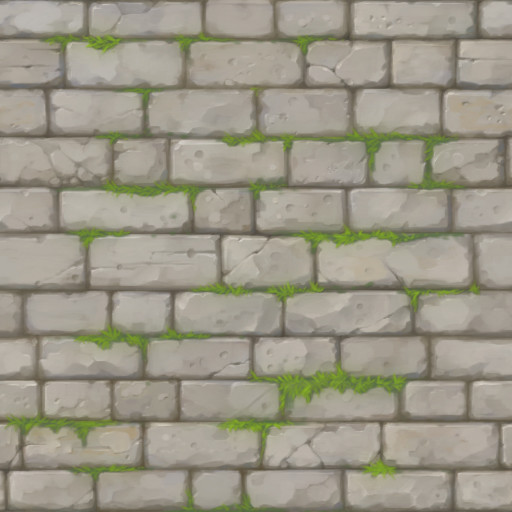
Before I’d started to work on making the Animations, I wanted to give the Scene a bit of Life to it, by getting some Textures for the Path, Wall and Beach. This will give the Environment some Colour and when it gets to the Rendering Phase, I can test if the textures will show up.
Feedback and Reflection
Suhayd, a Student in the same Course, had a look at the Textures I picked out. I told him I’m going with a Anime/Artistic Style for the Experience instead of making everything look realistic. He said they look Nice, a Hand drawn look and they are High Quality.
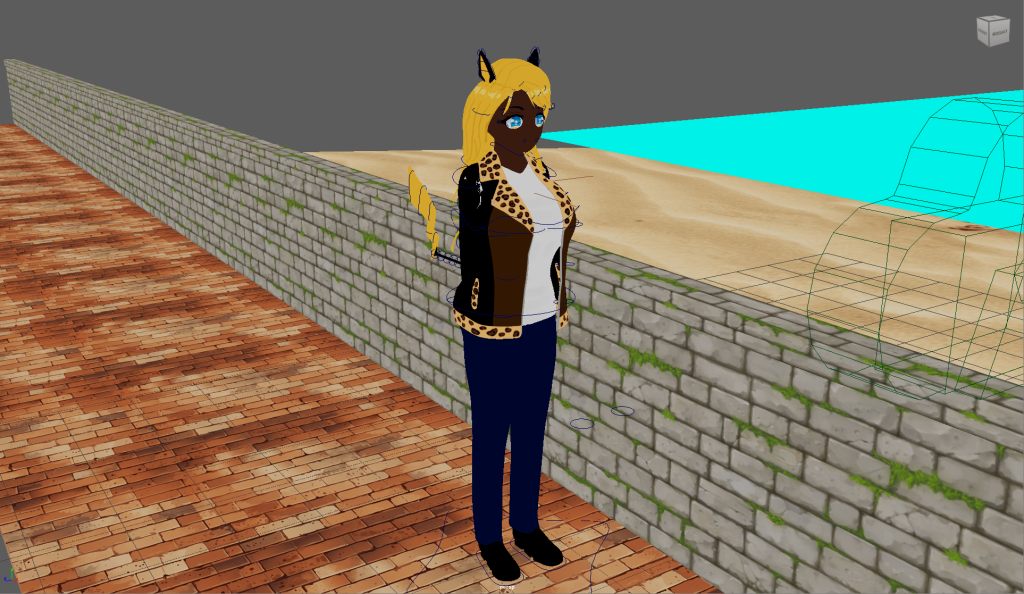
I needed to move Aureline onto the Path, because Her Model started under the Floor and needed to be Rotated to Look down the Path, where the Viewer will be. The Animation will begin with Aureline in Her First Pose of the Animation. She starts by standing there, Arms behinds Her, Hand Locked and looking directly towards the Viewer of the Experience.
The First Animation Segment is going from Her Idle Position, then Walking past the Viewer and Leaning towards the wall, next to the Viewer. She is Close Friends with the Boy (Viewer), so She can approach the Viewer casually and the Boy won’t think much of it.
Now I need to add better Movement going around the Viewer. However, I struggle towards one thing when making any Animation and that is creating a Walking Sequence. So, this Segment is going to take longer then the other ones. Since the other Segments won’t have as much leg movement, more upper body movement.
Feedback and Reflection
From what I got from multiple Student and my Lecturers, there was a lack in Leg/Walking Movement and She was just Gliding across the Floor. So, now I just need to get a rough walking Animation, at least for the Experience or it would look a little off putting or Creepy.
Now I have a Basic (But Rough) Walking Animation. The Leg movement isn’t the greatest but it is enough to show that Aureline is moving from Point A to Point B. Now with this Segment done I can move on to the next.
The Second Segment is about Aureline grabbing your attention with her Tail, after your First Mental Health Attack. After She noticed You are looking at Her again, She will then get down from the wall. But in the process, looses Her balance, nearly falling over and having to catch herself.
Feedback and Reflection
I got Feedback from other Students. Both Suhayd and Szymon have said that the Movement looks a little Robotic and to make it Smoother. Suhayd further included that the Arms were flailing around too fast and to slow them down.
Szymon also pointed out that the Animations looked a little rough in a few places, like the Tail only rotating up and down, instead of the Tail curving a bit to give a more clear Animated Movement.
He also pointed out that when Aureline’s Left leg goes forward too fast and goes straight forward instead of Curving around to the Front, like how a leg is supposed to move. (Again I’m not good with Leg Animations…)
I updated the Animations with Better Tail Movement, moving the body on the Wall, better falling off the Wall, slower movement of the Flailing Arms and the Leg having more time to Fling forward with better curved movement.
Feedback
Both Suhayd and Szymon think it does look a lot better with having a bit more Animations in some areas and smoothed out in others. But they still see some Robotic movement in a few places but have said for Basic Animation’s, this should be enough.
For the Third Segment, After catching herself She will then turn around to face the Viewer. She will then Ask if the Viewer is okay and call out that she has never seen you look so out of it before. She is catching on that there is something bothering the Viewer that She doesn’t know of yet.
Again, being a Body moving Animation using Movement of the Legs, it will take me time to get Smoother Leg Movement. But for the rest of the Body, it won’t provide as much of a challenge to work with.
Feedback and Reflection
Szymon had a look at my Animation Segment. He said most of it was okay but the Rotation Looks Robotic and lack of Upper body Movement when Turning Around. He knows I will be adding better leg movement but He also did call out the Sliding of one of the Feet. Having No, Broken or Weird Animations can potentially break the 360 Immersion and Ruin the Viewers Experience.
I have updated the Animation with some Upper Body Movement. I rotated the Hips a bit when the Body begins rotating instead of staying stiff. the Front part of her foot goes up a little bit to support her Rotating on that Foot. I have also made the Lifted Leg move better with the Rotation with some help of repositioning the Knee Controller by adding more Key frames to form a better circle.
Feedback and Reflection
Thanks to feedback from Szymon, He thinks it does look a bit better when She Starts to Rotate, while in the middle of Rotation and when it ends. But still looks a little Robotic with some parts of the Movement, which can break Immersion for some People. The 360 Video needs to be a Smooth Experience for the Viewer. I need to reduce as much Robotic or Clipping in the Animation as possible.
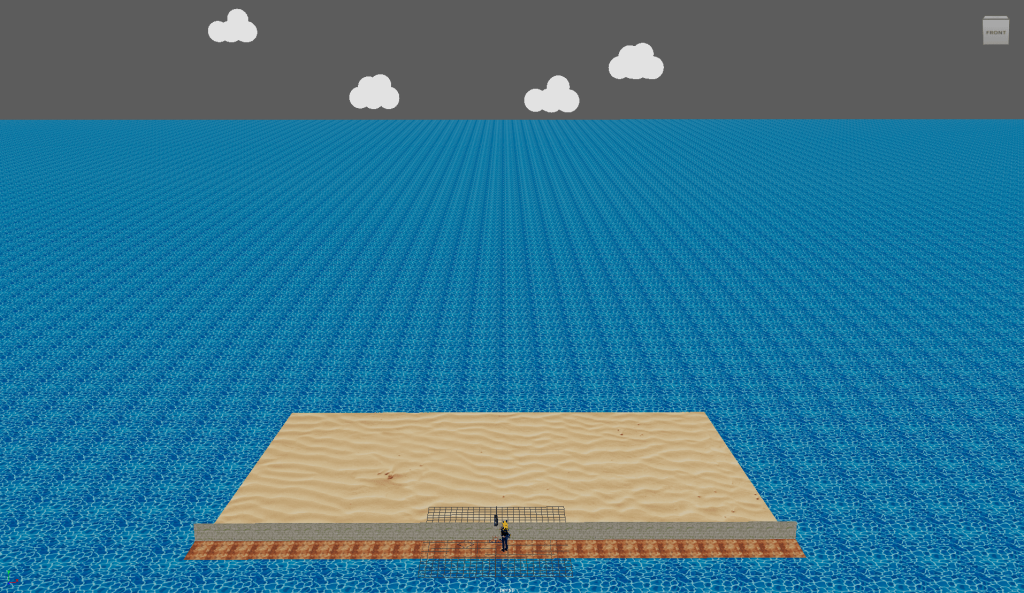
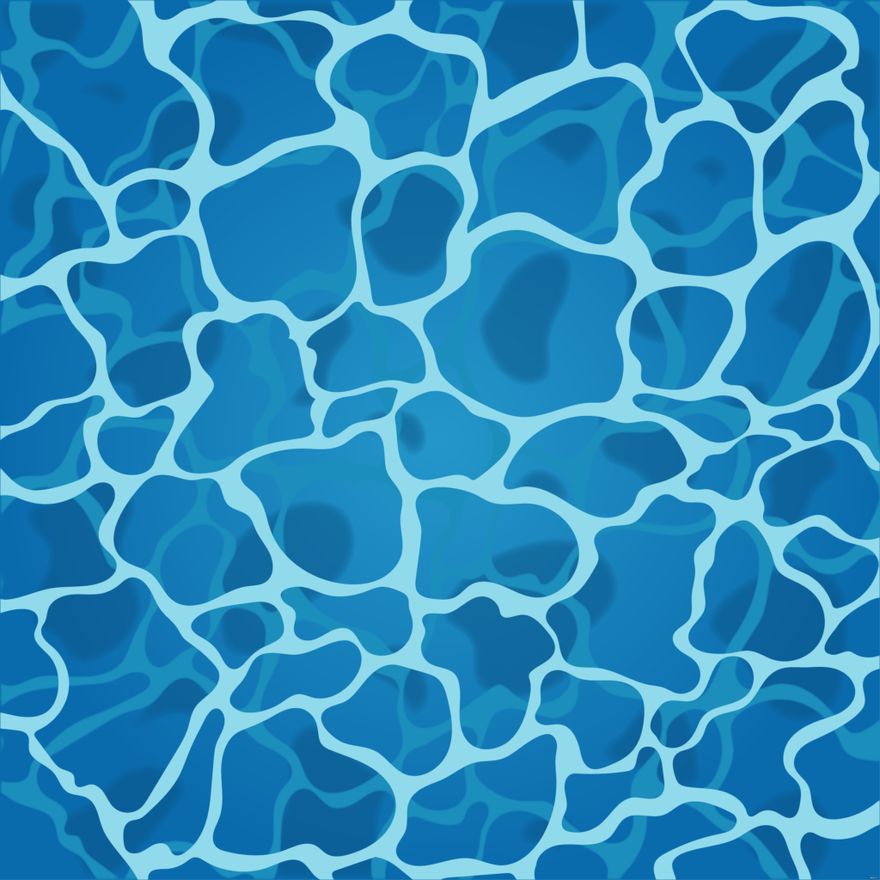
I completely forgotten to Give the Ocean a new Look a few days ago. So, I updated the look with deleting the old asset shape, making a new Plane and adding a AILambert Material onto the Plane, allowing the Texture to be applied. Thanks to the way the texture was made, Repeating UVs was plausible and I haven’t seen any cuts between UVs.
Feedback and Reflection
Suhayd thought the new Texture fits with the Style I’m going with and looks pretty good for the Ocean. The Texture is High Quality and not too much to the Eye. Keeping High across all Textures will help with Immersion. Having one Texture Quality Low and if the Viewer notice, can distract them from the Experience.
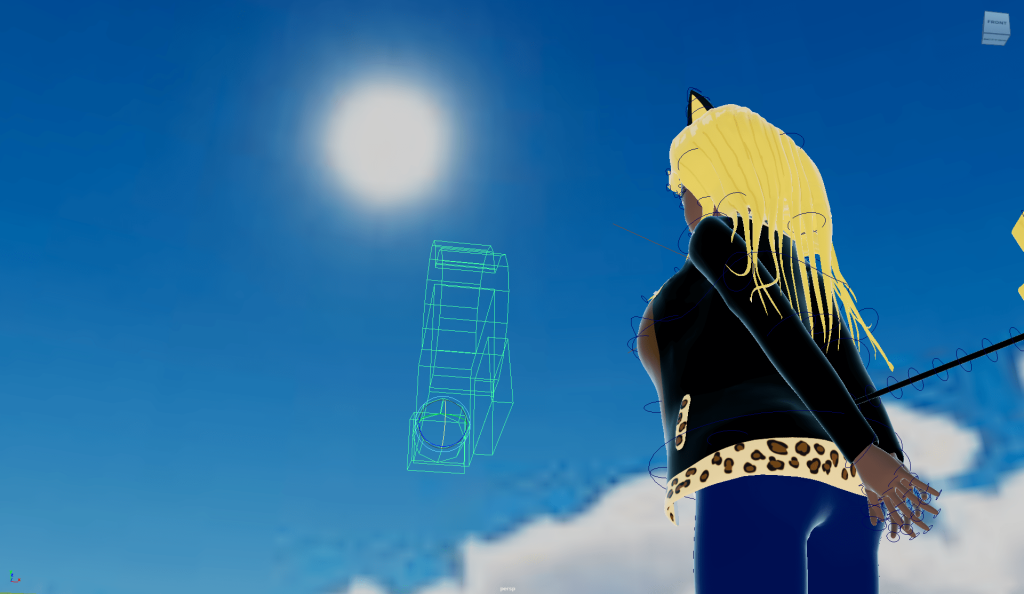
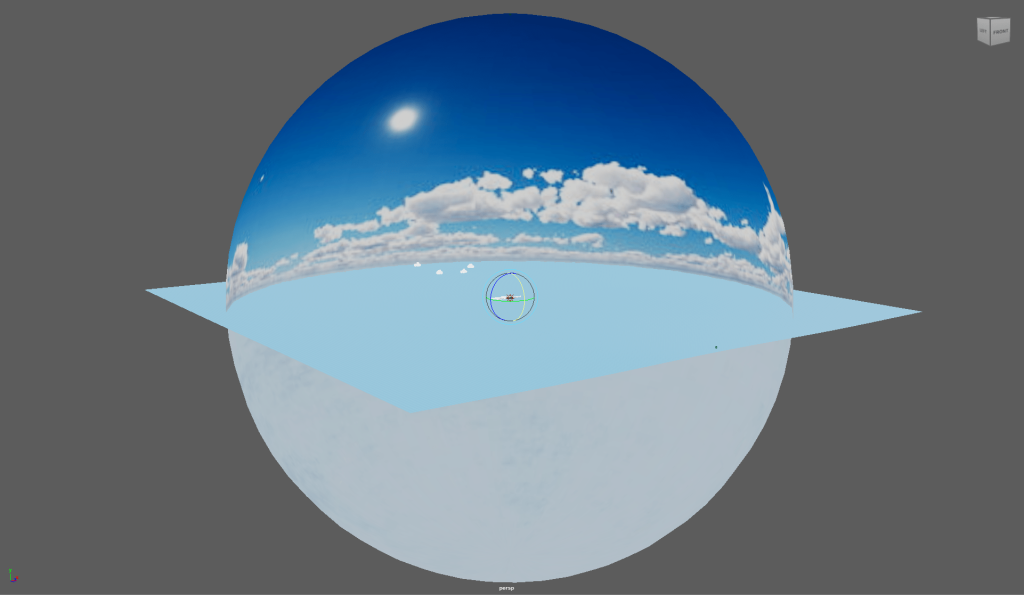
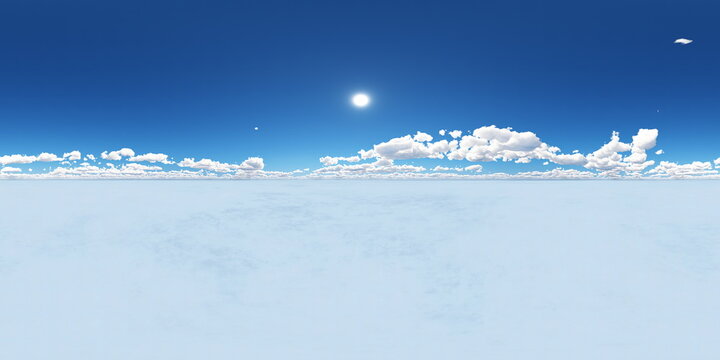
To end off the Week, I added in one more thing, Lighting and Atmosphere for the Environment. In the Arnold Section, there is a Skydome you can Place and comes with a choice to add in a Texture File for the Background. Now there is an Atmosphere and Lighting for the Environment.
Feedback and Reflection
Alex has pointed out that in Maya, its looks Pixelated when looking around with the Camera. I rendered out an image to see if this still Occurs for the Scene. It looks Clear but that can change when its turns into a 360 Video instead of a 360 Image.
I can’t talk much about any 360 Experience Yet since there isn’t a Video of one just yet. But, at Least I now have Textures and the Skydome to the Experience and by Next Week I should start further test the Rendering and the Settings.
Week 3 – (25/11/2024)
For this week, I plan to Tweak the Render Settings to get the Sweet spot of Performance and Quality. Also, get more Animations created. I have been told by my Lecturer that when a Project gets turned into a 360 Video, the Quality will go down. I need to make sure the Quality is Higher then Normal for a Better, Clear Experience. The Next thing I plan to do is continue making more Animation Segments of the 360 Video Experience.
I sent a 2 Second Clip of my 360 Video through the University’s Viper Farm Centre. After 2 hours, the Rendering was done. For some reason, It came out as pitch black. I was confused of why this was Happening, so I got some help from my Lecturer, Jason. Me and Jason decided to further investigate what the Issue this time. Jason and Student, Alex Rushton wanted me to try something first, before getting further help on the issue:
First thing they wanted me to try was Making a new Maya Project File and use the Same Arnold Skydome with the same settings and Render it out with Viper again. this time, the Atmosphere and Lighting was in the Video, along with the Cube with Textures. now I know the Skydome isn’t the issue and the Textures I use will show up after being Render though Viper.
After further investigation, we got David to also have a look to see if we could find the Problem. That’s when Jason got an Idea. Using the Blank Video from before, He went and Checked the Logs from the Viper Centre to see any Errors when Rendering the Images. He found ‘File 13’ was Blank and had no Texture inside. Now we had to find out where ‘File 13’ was located and find out what Texture is supposed to be in there.
We found out that ‘File 13’ is the Body’s Metalness Texture. There must have been a Problem when Automatically applying all the Textures onto the Model. I manually put the Texture back into the File. I resent it back to the Viper Centre. After a few hours, It came back and now I have a working Skydome and can now see the scene. Aureline’s Model is fully Textured but the Skydome and Environment have lost their Textures. Just like with Aureline’s Texture Files, I’ll need to manually reapply each texture and then I can quickly Render an Image to see if it worked.
Feedback and Reflection
My Lecturer and a few Students had a look at the Video above. Despite the current lack of textures on the Skydome and Environment, they thought the 360 Video had high enough Quality to see the entire Environment, Clearly. They notcied the Arms were not placed right, so I will need to change them, so they are on Her Hips and not in the Air.
One thing I noticed was that Aureline’s Tail was wagging slower then I initially wanted It to. I wanted the Tail to Wag up and Down Very Quick, Like She is trying to get your Immediate Attention. So, I will need to speed up the Movement for better Results.
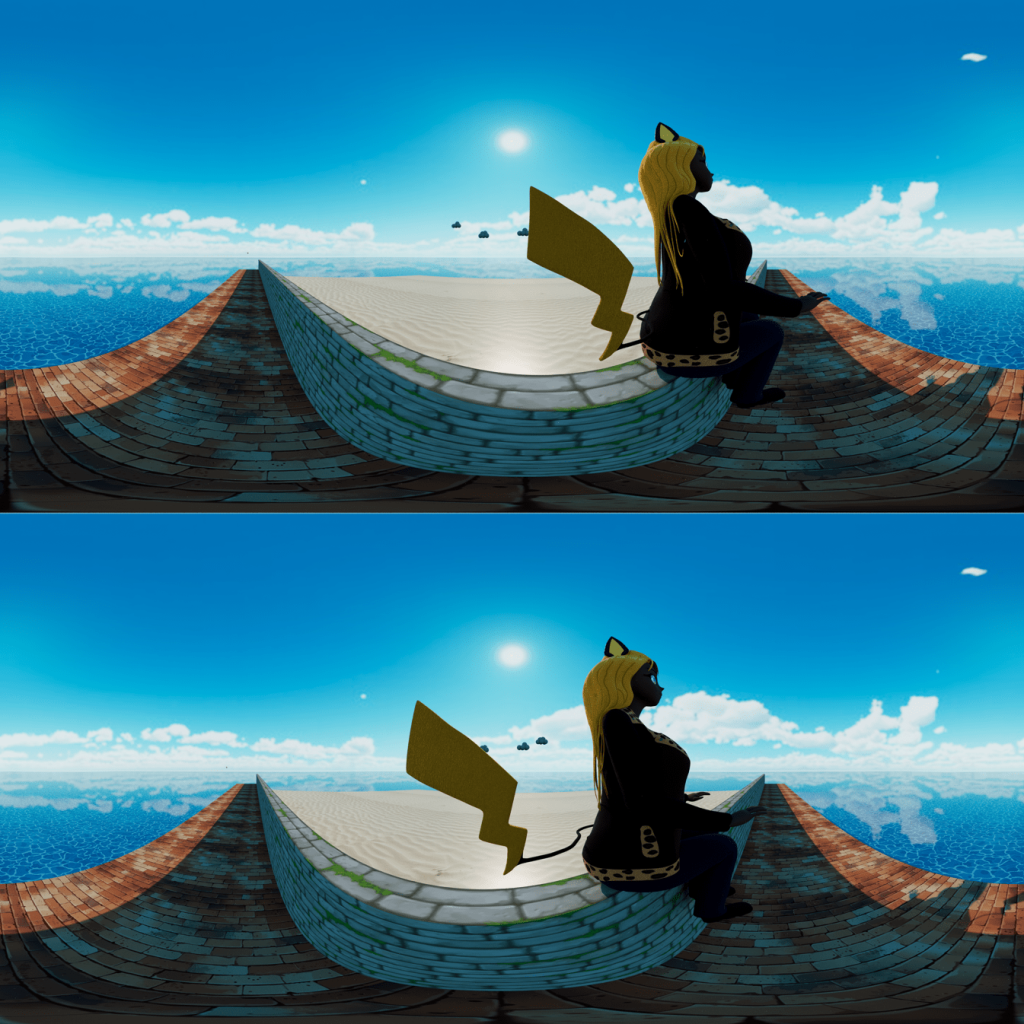
After manually putting Textures back in, I render an Image out again to see if any changes have occurred to the scene. Now all the textures are showing in the Environment.
Feedback and Reflection
I showed the Rendered Image off to my Lecturer and Students, to get their opinions on the Environment, its Textures and Quality of the Image. Suhayd commented on the Ocean and the way the Light and Clouds bounce of the Surface, like realistic Water, made the Scene look more Beautiful. He also noticed I only have Walls, Path and Beach. I told Him that I will be adding the rest once I get the rest of the Animations in. Since I didn’t need the Whole scene for the Animations to use, I held back from making the Rest until later.
Next Animation Segment is Aureline trying to re-grab your attention from another Mental Health Attack, by using Her Tail again and wagging it to grab the Viewers Attention to encourage them to look back up. After, She will put Her Hand on the Viewer’s Shoulder and Reassuring Them that they are Cared for, Loved for and that She Loves you, no matter of your Up or Down sides.
During the Attempt of Reassuring the Viewer, She will then Hug them to further Support the Fact that there is a Strong Bond between Aureline and the Boy. Further talking about who he is, His Personality, His Ups and Downs, The Bond they have and How much She Loves Him.
Feedback and Reflection
Szymon has had a look at my Animation Segment, He has said they are a few bits that need to be done. Noticing Her sliding, Her arms comes up to fast and Doesn’t stay in place. Her Head stays completely still when Talking to the Viewer, further evidencing Robotic Behaviour in the Movements. He suggested to have some Head Bobble to make the Talking Moments less awkward.
With this Feedback, I will make the Animation Better, Smoother and a more Clearer 360 Video Experience for the Viewer . I will start implementing the Changes over the Next few Days.
Now some of the Animations have been smoothed out and Changed. The Arm Takes time to reach up for the Viewer’s Shoulder, Tail Animation is Smoother, Head Bobble is now in Place and Smoother Transition to Hugging.
Feedback and Reflection
Szymon said that this looks a lot better, still robotic in a few places but you are getting the Point across. He noticed the Head Bobble and makes the Moment less awkward when looking at Aureline.
I will make sure for next time that I will try to get better at Body Animations to express Emotion and Body Language for the Viewer.
Last Animation Segment is Aureline breaking the Hug and placing her Hand Back onto the Viewer’s Shoulder. After awhile, She will let go, move back and turn around with Her arm out to the Viewer. Saying enough with this Sadness Bullcrap and Wanting the Viewer to come meet Her Mother, She has been dying to seen Him and Already knows you are a Sweetheart. She is trying to get the Boy’s Mind off the Sadness by keeping Him near and doing something else to keep His Mind Busy. She wants to stay near Him, have fun with him and most Importantly, Keep Him Safe, Loved and Happy.
Feedback and Reflection
I didn’t get any Feedback for this Animation Segment. However, with my Own Analysis. I still needs to add in Further Animation Smoothing to a few parts and add Animation to the Tail Bending/Wagging, Head Bobbling, etc. I need to smooth out the Arm Movement, Make a Walking Animation for where she moves back and Turns Around. I will start implementing the Changes, Starting the First Day of next Week.
In a 360 Image Experience I quickly created, Me and some other Students have noticed that Aureline’s Arms gets Warped a little when She has Her Hand on the Viewer’s Shoulder. Even the Wall gets warped a Little bit. This could cause distortion or distraction for the Viewer, so I will see next week if there is anyway I can go around it.
Week 4 – (2/12/2024)
This Week is about Finishing off the Last Part of the Animation and Perform some extra Render Testing and Settings before fully getting ready to send to the Viper Centre.
Now the Last Segment of Animation has Head Bobble, Better Tail Movement, Better Feet Movement and Smoother and Slower Arm Animation. Now this will look a lot better for the Viewer and Provide a better overall Experience. No one like to see Broken Animations.
Feedback and Reflection
Again, No Feedback for this week. Due to time, there is not enough time to make any last Minute changes. The Render will take a lot of time and I would have to re-Render the entire Video Again, which takes roughly around 3-5 Days. Depends on the Render List. If there are any Changes or Environment changes, they will have to be left out due to running low on time to get the project done on a set Deadline.
I decided to quickly make a 3-4 Second Animation of Aureline getting down from the wall, to see how the Animation will play. I noticed the Movement was extremely slow. The Viewer would not want to see slow Animations of some getting off the Walls, it wouldn’t look right. I need to tweak the Playback Speed and Cache to make sure its running at the Correct Speed.
I retested the 360 Camera and the Animations again to see if they need any further tweaks. The 360 Camera still works as intended and catches the Entire scene with High Quality. However, the Animation has gotten a bit faster but is still too slow then I wanted it to be. So, Ill need to further tweak the Animation until I get the correct speed.
Another quick 360 Image test to see if all Textures, Lighting and Skydome are still showing up and working. All are working as intended and now for the Start of next Week, I can get the rest of the Environment in then Send all my Animation Segments to the Viper Centre to Render out.
Feedback and Reflection
I haven’t received much feedback for this Week, there was only the Animation Segments to show off but I had forgotten to show them off to anyone. The rest is just Retesting and making sure everything still works and ready for the next step, So I didn’t think I would need to show this off, since its just repeating the same scene over and over again.
In the 360 Experience, You are able to look around and see the Environment with its Textures, along with a Skydome. With the Animations, I noticed its still a Little Robotic which can affect the Experience but the Frame Rate is 60. So the Video plays Smoothly for the Viewer.
Week 5 – (9/12/2024)
With all the Animations done, I can finish off the rest of the Environment and Finally get all the Animation Segments into the Viper Centre. But first, ill get started with adding more to the background of the Environment.
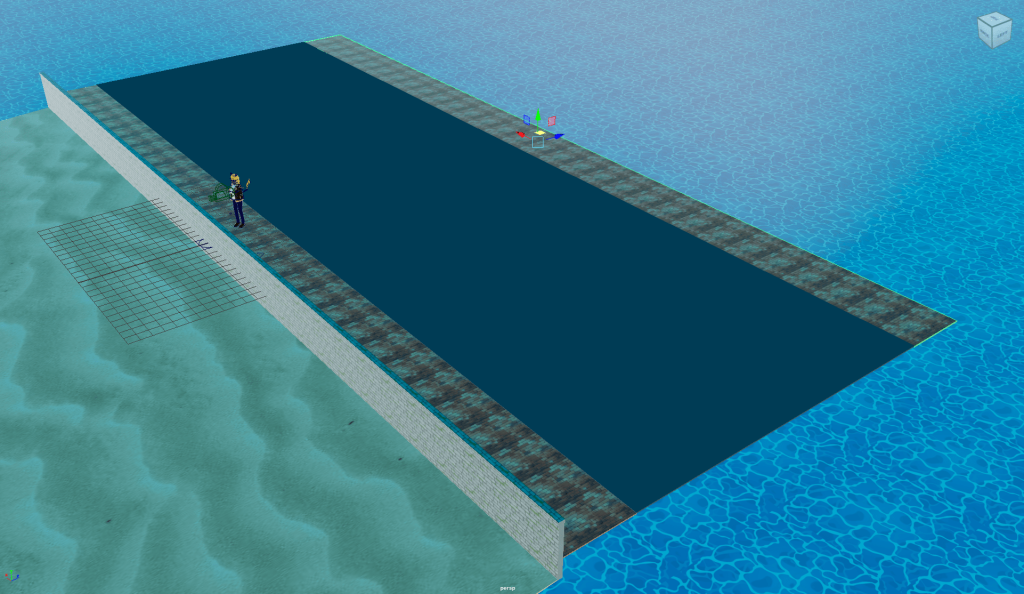
Since this is a Beach setting with Buildings in the Background, I add in more to the background by Placing a Road and Extra Pathing on the Other Side. The Path will have the same texture to keep it consistent and the Road will have a simple AiStandard Material with the Colour Black.
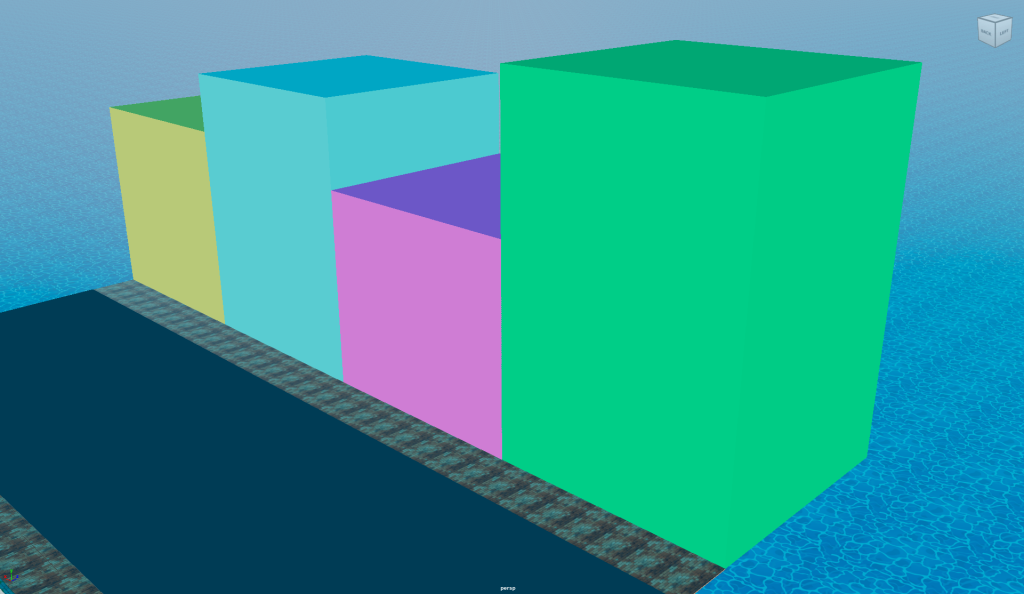
Next, I make 4 Different sized Buildings in different colours. I used Pastel Bright Colours to fit with the Colourful Environment and this makes the Moment of when Greyscale kicks in more Potent for the Viewer. Losing such Beautiful and Bright Colours and then being brought back can help show a Major difference of Colours when In or Out of the Mental Health State.
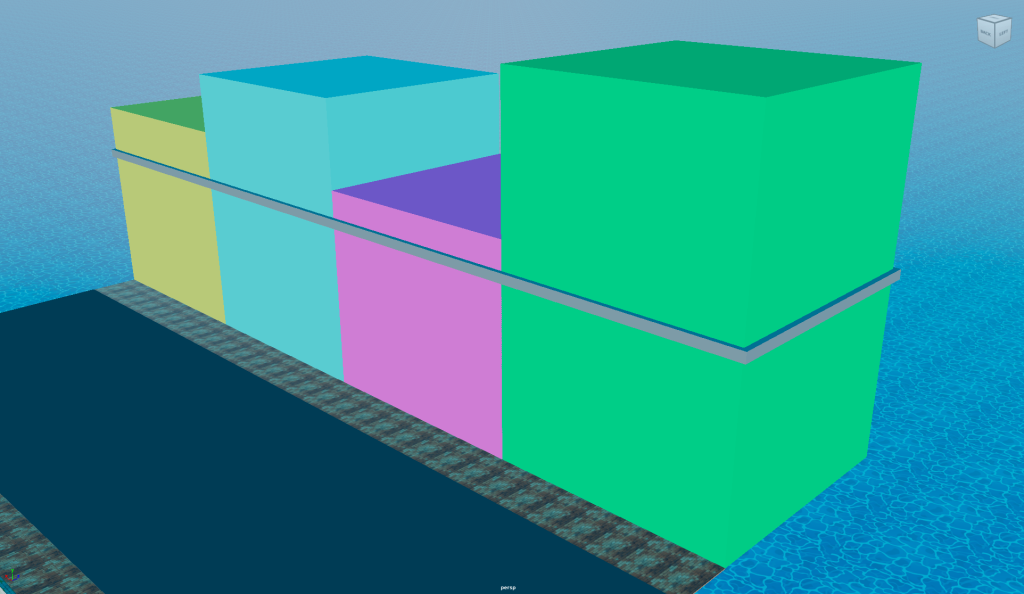
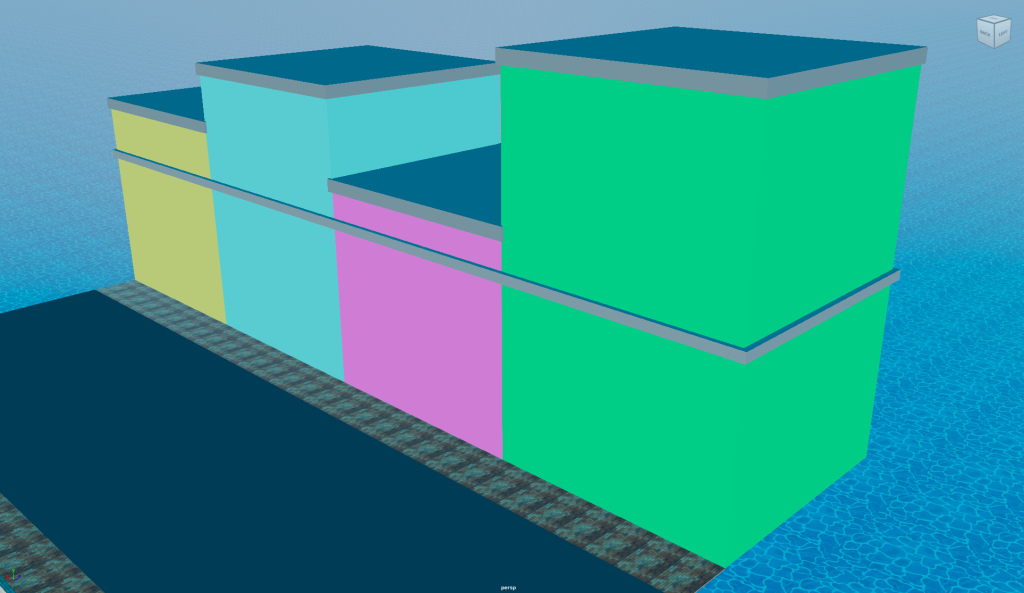
To make the Buildings less bland, I add in extra detail by adding in a Roof and Borders going around the Buildings. This adds some separation from the Ground and 2nd Floor of some Buildings. Having Grey for the Colour helps the Pastel Colours stand out more with the Dull colours blending with them. Better on the Viewers eyes seeing the difference in Colours and making sure that the Pastel Colours aren’t too bright on the Eyes.
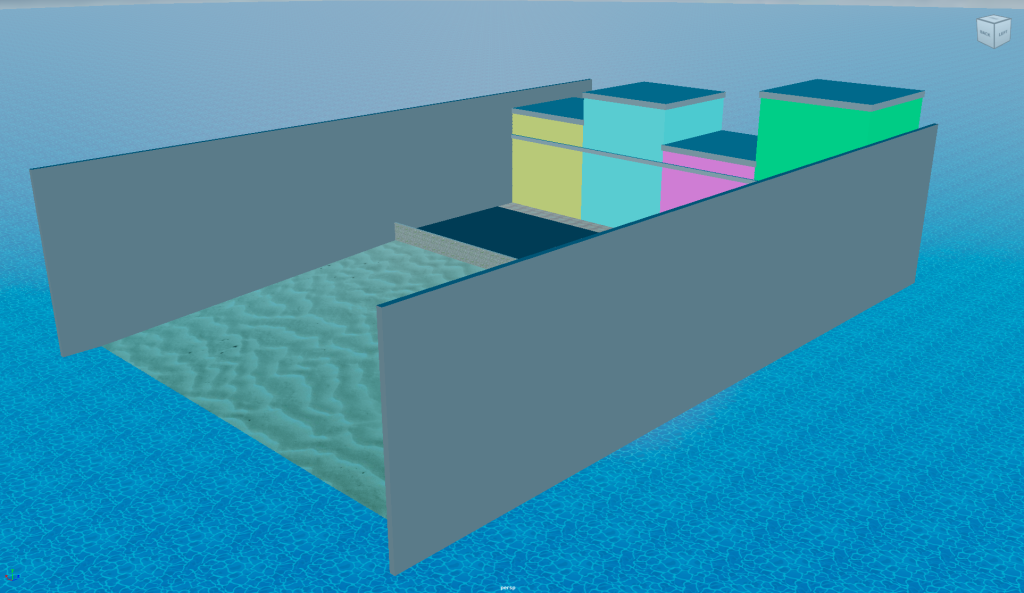
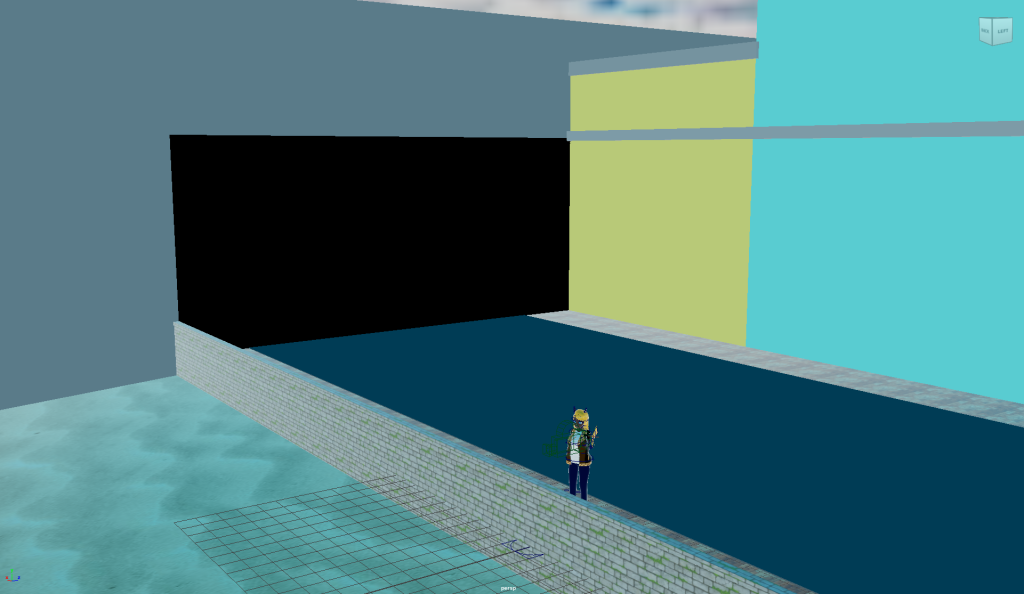
Now I needed a way to remove the Cut off of the Environment and from seeing the Ocean expand all around, like nothing is connected to this small piece of Land. So I made some Walls with AiStandard material with the Colour Grey, a tad bit dark that the Building’s Roofs and Borders. To show the world is Bigger or Connected with the Environment, by adding Tunnels on both walls to show cars and People can walk through. This will help think this Environment has more to offer if you could walk around in it.
I gave one more Test before I sent the entire Project through to the Viper Centre to Render out. I made a quick 8 Second Video and see if the Textures and 360 Camera is still working with current Render settings. Everything is working as intended and still got a Clear 4K Resolution Image.
Feedback and Reflection
Szymon looked at the Last Test Image and Animations. He thinks the Full Environment looks better for a 360 Video Experience, now its not Empty anymore. However, He also Said in some Areas of the Animation are still Robotic looking and She does Glide Across the Floor in some parts but overall, pretty good.
I have noticed the Road’s Colour has changed. For some reason, the Mossy Stone Material I used for the Beach Walls has been Applied to the Road. Due to time, I couldn’t change this since I would need to wait Another 3-4 Days to get a Full Version of my 360 Video Experience again, from the Viper Farm Centre. I’ll make sure next time I made another quick Image sent to Viper to make sure that this doesn’t Happen again.
However, the 360 Experience was Smooth and High Quality. You can barely see the Pixels and the only noticeable thing was the Noise in the Aureline’s Shadow. This will make the Experience better for the Viewer and the Only thing to deliver a good Experience now is to give it some Audio. Time to throw into Adobe Premiere Pro.
Adobe Premiere Pro
360 Video:
Narrated 360 Video:
Conclusion
“In Your Shoes: A Mental Health Journey” represents the thoughtful integration of Emerging Technologies, Creative Storytelling and under the Ethical Conidiations. By using the 360 Video Format, Audio and 3D Animation, This Project should help with presenting a unique empathetic exploration of Mental Health. Highlighting the Potential of using Emerging Technologies to help foster an understanding and Emotional Connection. Offering a Forward Thinking Approach towards Storytelling and Mental Health.
It was Fun making this Project and I hope to Help people open their Eyes more about mental Health and the Challenges. Also, hoping that People will help others who struggle with Mental Health and get them the Help they need to conquer Mental Health.
”Mental Health is not a Destination, but a process. It’s about how you drive, not where you’re going” – Noam Shpancer.
References
carolrc98 (2021) Freesound – Cartoon hearts overflow by carolrc98. Freesound.org. Available online: https://freesound.org/people/carolrc98/sounds/561542/ [Accessed 23 Dec. 2024].
gjgaura (2019) whispers-supernatural.mp3 by gjgaura. Freesound. Available online: https://freesound.org/people/gjgaura/sounds/466658/ [Accessed 23 Dec. 2024].
an jihun (2024) Hand Painted Textures practice, an jihun. ArtStation. Available online: https://www.artstation.com/artwork/x1Bo4 [Accessed 20 Nov. 2024].
Author Sudharsan (2014) Sand Texture – Free Textures | All Design Creative. All Design Creative. Available online: https://www.alldesigncreative.com/3d-textures/sand-texture/ [Accessed 20 Nov. 2024].
Eelke (2012) seagulls by Eelke. Freesound. Available online: https://freesound.org/people/Eelke/sounds/144835/ [Accessed 23 Dec. 2024].
ElevenLabs (2024) AI Voice Generator & Text to Speech. ElevenLabs. Available online: https://elevenlabs.io/app/speech-synthesis/text-to-speech [Accessed 25 Nov. 2024].
Glitchedtones (2024) Footsteps walking on tiles (Heels) (Fast) free sound effect • Uppbeat. Uppbeat.io. Available online: https://uppbeat.io/sfx/footsteps-walking-on-tiles-heels/4105/17546 [Accessed 23 Dec. 2024].
in (2024) 360 Sky Images – Browse 40,156 Stock Photos, Vectors, and Video. Adobe Stock. Available online: https://stock.adobe.com/uk/search?k=360+sky&asset_id=442735614 [Accessed 20 Nov. 2024].
InspectorJ (2017) Ambience, Seaside Waves, Close, A.wav by InspectorJ. Freesound. Available online: https://freesound.org/people/InspectorJ/sounds/400632/ [Accessed 23 Dec. 2024].
loudernoises (2016) Freesound – heartbeat-140bpm-limited.wav by loudernoises. Freesound.org. Available online: https://freesound.org/people/loudernoises/sounds/332813/ [Accessed 23 Dec. 2024].
PngTree (2024) Simplified Vector Texture Of Brick Wall Illustration For Background, Stone Wall, Brick Pattern, Plaster Wall Background Image And Wallpaper for Free Download. Pngtree. Available online: https://pngtree.com/freebackground/simplified-vector-texture-of-brick-wall-illustration-for-background_15300020.html [Accessed 20 Nov. 2024].
Template.NET (2014) Template.net : Free Templates. Template.net. Available online: https://www.template.net/editable/81019/anime-water-illustration [Accessed 20 Nov. 2024].