
Introduction
This weeks Artwork is to create a Character or Environment Artwork. Making a character of you choice giving a design or choosing your own Environment Creation.
This is a character I made, she is called Aureline .L.M. Musashi. She is a Mouse born with the power of Electricity. She will also gain Physic power when reaching the matured age. I created this character for my Manga I’m creating called Rise: Against the Odds. She is 1 of the 3 Main Characters of the story.
Character Creation
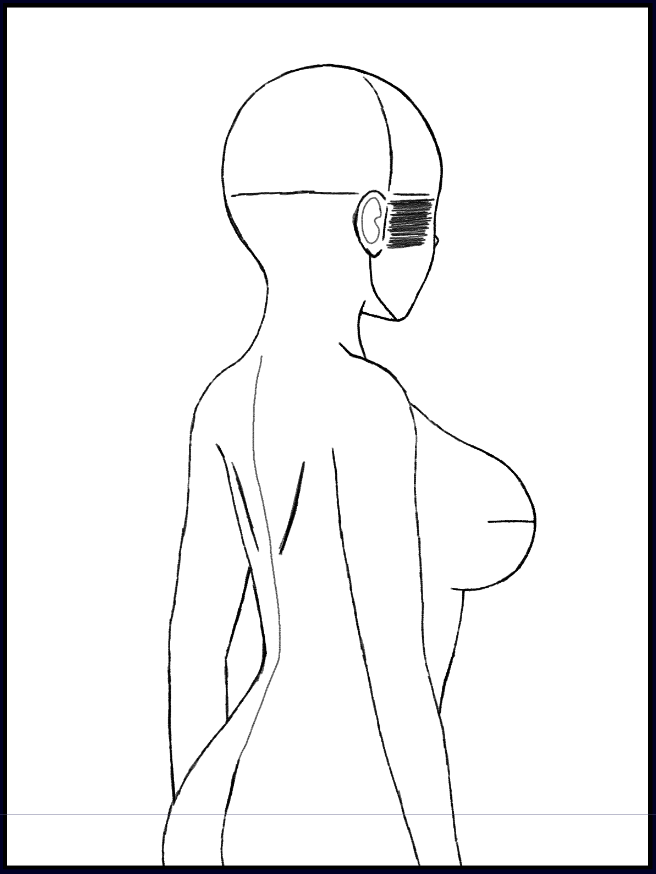
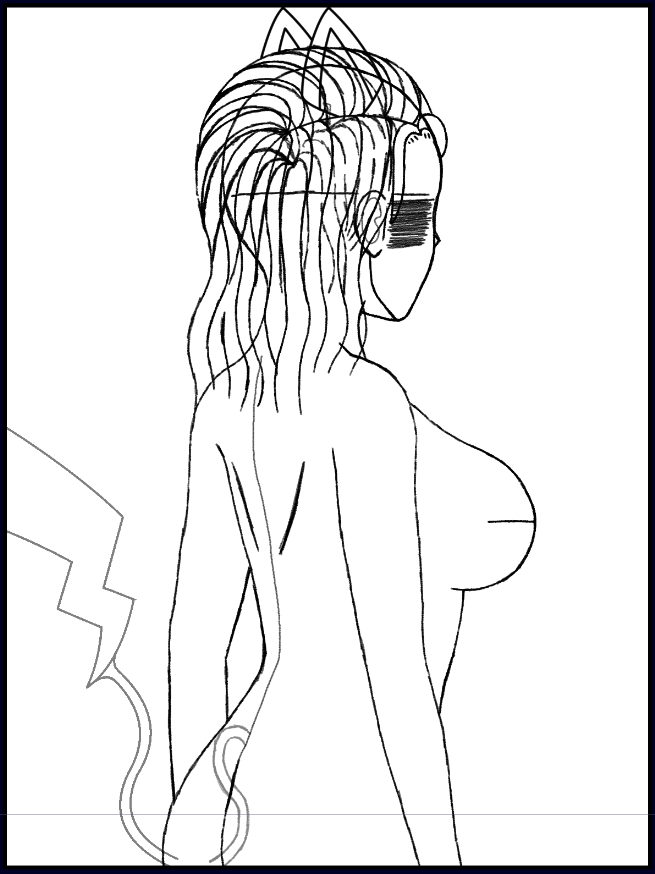
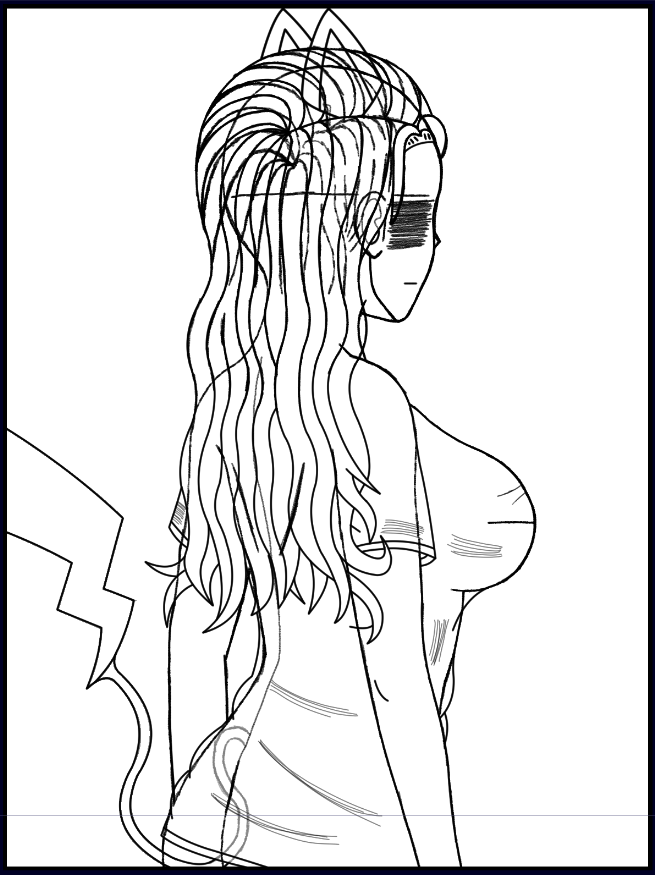
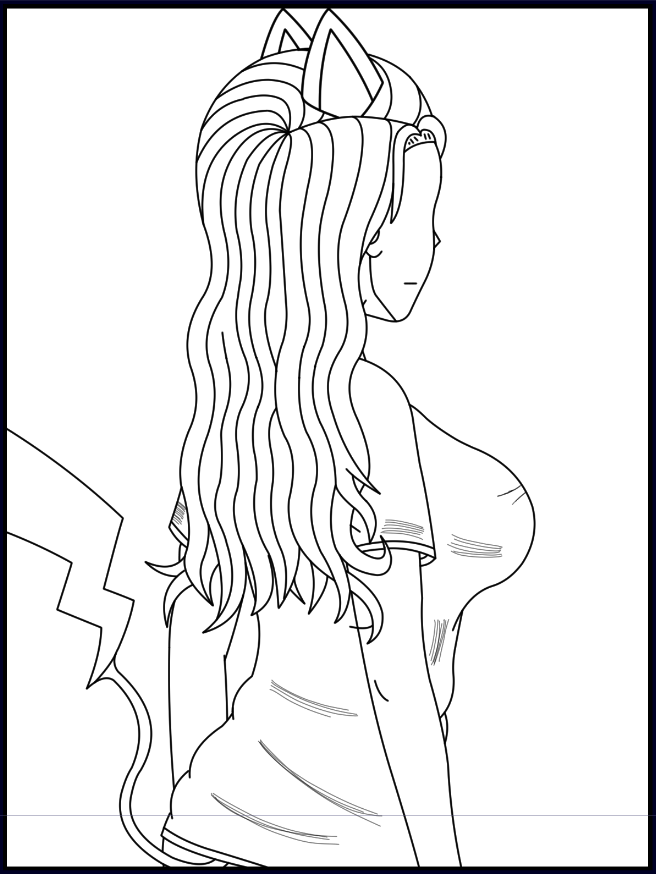
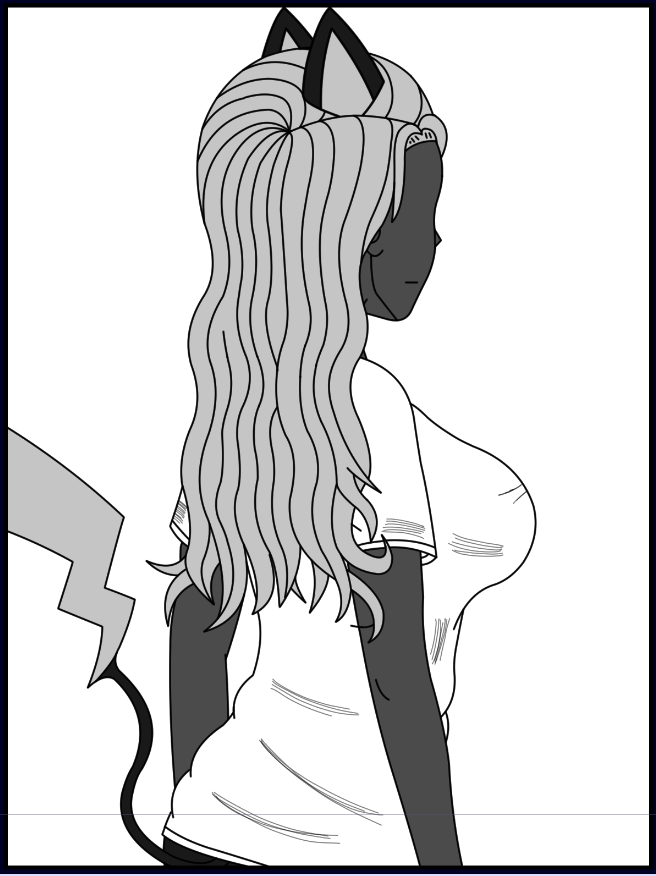
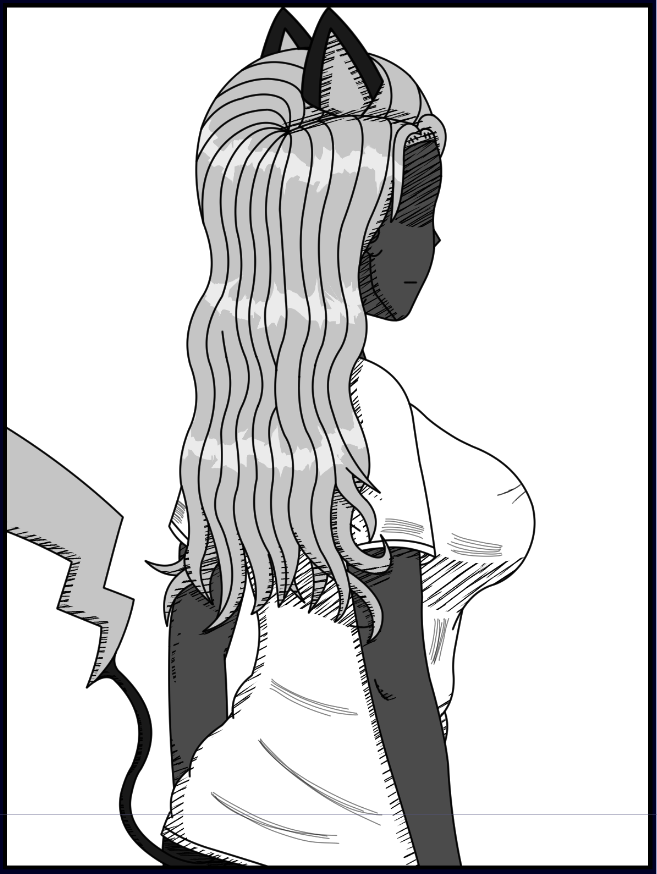
Final Design

Tools Used
I have used multiple short-cut tools like Pencil (Ctrl + B), Eraser (Ctrl + E) and Colour Picker (Ctrl + I).
Colour Picker will allow to click on a Colour that is existing on your artwork and copy it, instead of needing to onto the colour wheel and trying your best to remember the exact shade of that colour.
Art style / Tradition
The art colour is Greyscale because most Manga’s still follow the Greyscale and Monochrome tradition, so I made mine In Greyscale to still have a show off different shades of colour. This allowed a better understanding of knowing the colour of the characters, so you have a better understanding of what they could potentially look like.
Colour and Personality
It was difficult picking the colours for Aureline, I has a few ideas like White hair, Blue hair, Pink hair and Yellow/Blonde hair. I ended with Yellow/Blonde hair being the best pick because it fits well with her Electric typing and It fitted better with her personality. Her personality type is: Joyful, Clumsy and Confident.
She will have Blue or Green eyes for when I make a full detail view of Aureline, still unknown for now, currently.
I gave her black skin because I think it compliments the colours and there aren’t that many Black skinned Characters in Manga. Plus, not too many that are Main Characters, so it could my story and the characters stand out more to the audience.
Clothing
I went with a White shirt, to help compliment and balance the colours. I also chose Carbon Black for her pants (Not in the picture, just to help picture her), since its fits well with the White shirt.
Shadow Style
I did go with basic shadows but It didn’t feel like my style, so I tried to search up different ways people have use shadows. After a bit of search, I chose to do a line shadow style, where I choose the angle and keep flicking with my pen with a mid size drawing line. Now It looks much better, a more draw on real paper feel.
What was Challenging to me?
Making the Character and the Angle proved to be a challenge but overtime, I learned to draw better and learned some new techniques along the way to help with drawing faster and have more detail in them.
What Have I Learned?
I have learned how to draw the basics of a Character, give it details like Eyes, Hair, Body, Clothes, etc. I also learned about different styles you can draw in and all the different colours schemes you can use to make characters stand out and have interesting designs.