
https://thiccboi53.itch.io/shape-defenders
Introduction
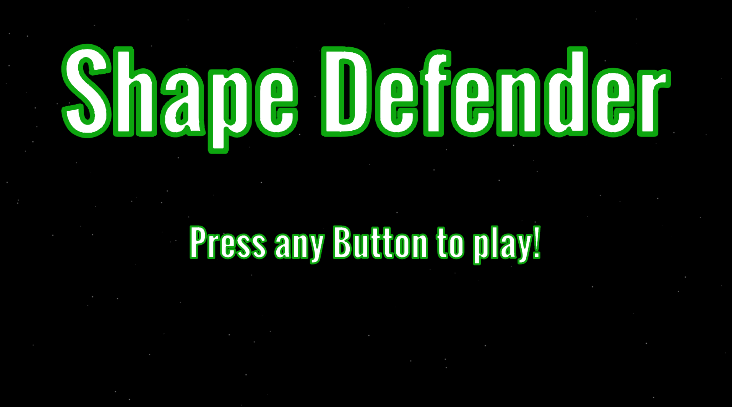
We were tasked to make a Top-down Shooter so we decided to use the same style as from our previous prototype, Shape Invaders. We call this prototype, Shape Defender, an endless wave of shapes whilst you try defending them off from a certain area in space to claim.
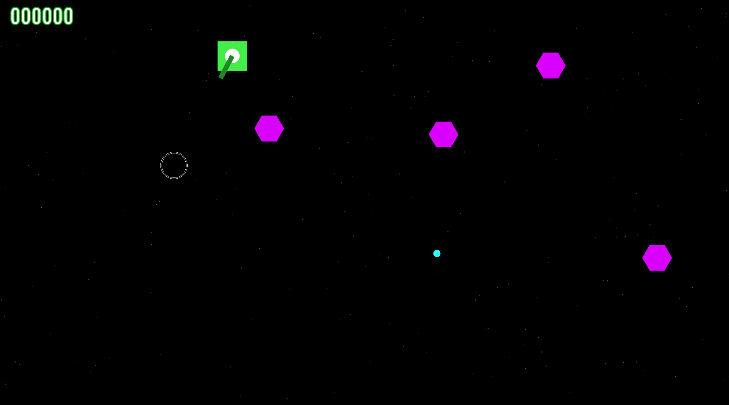
The aim of the game to try to defend as long as possible whilst getting the highest score you can. The Green Tank is the player, which can move around the screen to dodge the enemies and shoot bullets.
Scenes – Main Menu, Main Game
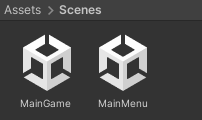
We will need two individual scenes in order for us to have a Main Menu and Main Game and will find a way with a C# Script to connect both scene in order to switch between them.
Stars – Particle System

Since this is a game taking place in space I need to create a background that is space themed, like full of stars. I have made a particle system in order to make a background of stars which glow and disappear overtime. This will give the Player an understanding that the place they are taking in is in space.

With the particle system, we can edit the particles through the inspector. With this we can change how the particles act, we can change the shape of where the particles will show up. I went with Box because then it will appear all over the screen and going off the border of the screen.
GameObjects – Player, Bullets, Crosshair, Enemies

I have made a basic Player sprite using multiple 2D sprite GameObjects to make a tank that will be able to shoot my Bullet GameObject at the Enemy GameObjects. The GameObjects used to make the Player GameObject are 1 Square, 1 Circle and 1 Rectangle Sprite.

Just a simple Bright Blue Bullet GameObject that the Player will use in order to fight off the Enemy GameObjects. this was made from a single Circle Sprite and gave it a Bright Blue colour to make look like Energy Blast from a cannon.
The C# Script code for the Bullet GameObject, I have added a group of code that will delete the Bullet GameObject when it goes off screen. The reason for this because this won’t effect performance compared to still having the Bullet GameObjects flying off endlessly into the void of nothing. Having the Bullet Objects still alive outside the screen can heavily slow down the game and effect RAM.

The crosshair was downloaded for free off of the Unity Asset Store. It came as a set with other crosshairs to use but chose this one out of the bunch because it is simple and you are able to see clearly around and in it to know where you are aiming. but as of right now, it looks pixelated.
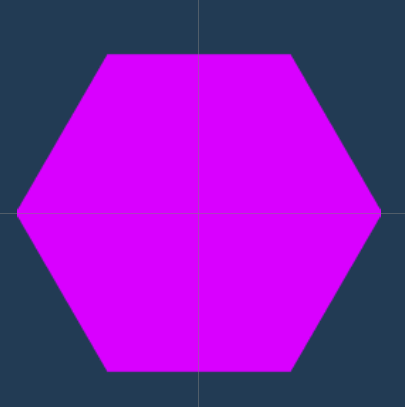
The Magenta Hexagon is Enemy_1, this one is the slowest of the Enemies with the lowest Point pool with only 10 Points per kill. This will spawn at the start of the game and last for the entire run until the player starts at the beginning again.

The Red Hexagon is Enemy_2, this one has moderate speed of the Enemies with a moderate Point pool with 25 Points per kill, 2.5x more then Magenta. This will spawn roughly halfway in the game and last for the entire run until the player starts at the beginning again.

The Blue Hexagon is Enemy_3, this one has the fastest speed of the Enemies with a Great Point pool with 50 Points per kill, 5x more then Magenta and 2x more then Red. This will spawn roughly near the end of the enemy timer in the game and last for the entire run until the player starts at the beginning again.

There was a problem we came across and that the Enemy wouldn’t be destroyed when hit with the Players bullet and the particles would not play when the bullet touched the Enemy. This caused the rest of the code to act funny or not work at all. The problem were solved on lines 11, 13 and 15.
Line 11, GameObject having a false capital at the start and needed to be lowercase. GameObject to GameObject. so now the code will understand the tag and find objects with the tag that collide with the GameObject.
Line 13, Destroy having a misspell and needed to be corrected. Dstry to Destroy. Now the Enemy GameObject will be destroyed upon collision with the Bullet GameObject.
Line 15, Having a misspell and missing a symbol, this needed to be corrected. Istatiate to Instantiate and adding in the = Symbol. Now when the Enemy GameObject is destroyed by the Bullet GameObject, now it will cause an explosion to happen and disappear.
What have I Learned?
I have learned how to give the enemy more mobility and a way to only go towards the Player until the tank is destroyed on collision. I have learned how to make a Ticking/Countdown System so then eventually the other Enemy GameObjects start to spawn and spawn at a faster rate.